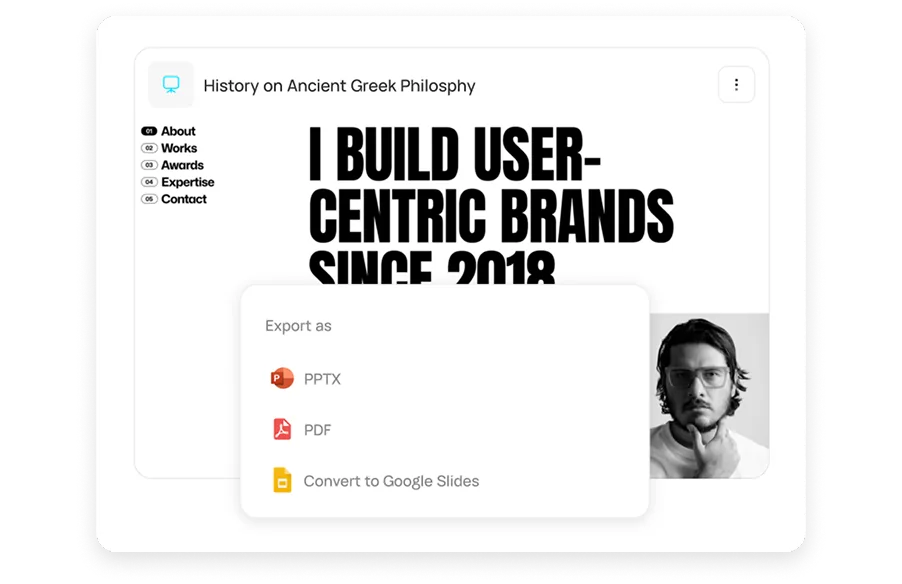
Export to PowerPoint, PDF or Google Slides
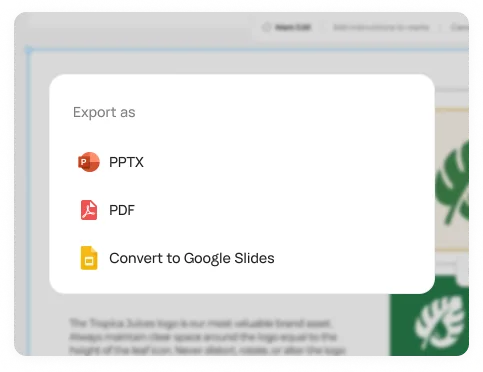
Download an editable PPTX with native charts, a PDF for sharing, or open the deck straight in Google Slides.
Turn a prompt, doc or link into a designed slide deck you can edit and export to PowerPoint.
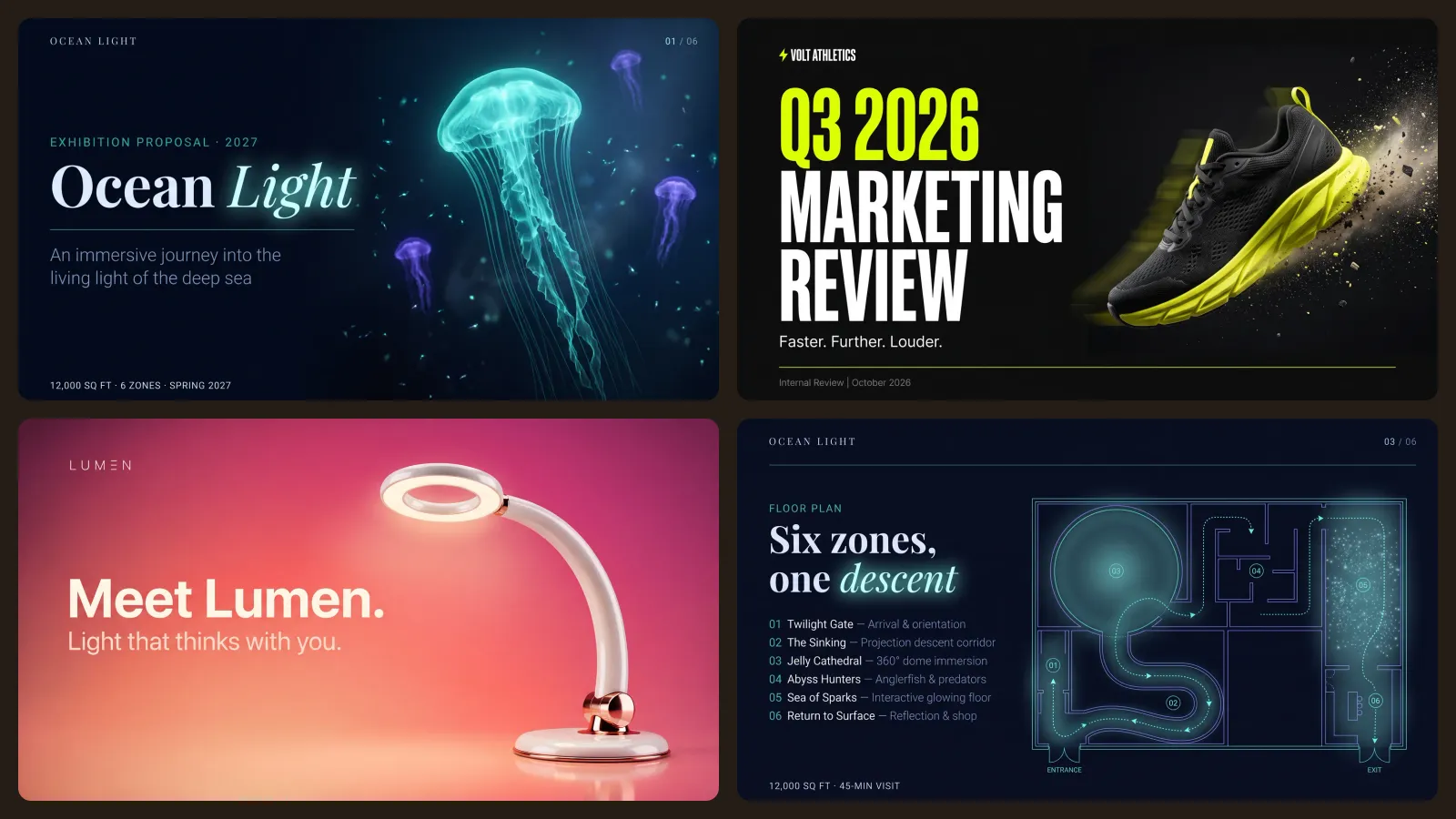
Real decks Runable designed from one prompt each. Hover to see the prompt behind each one.




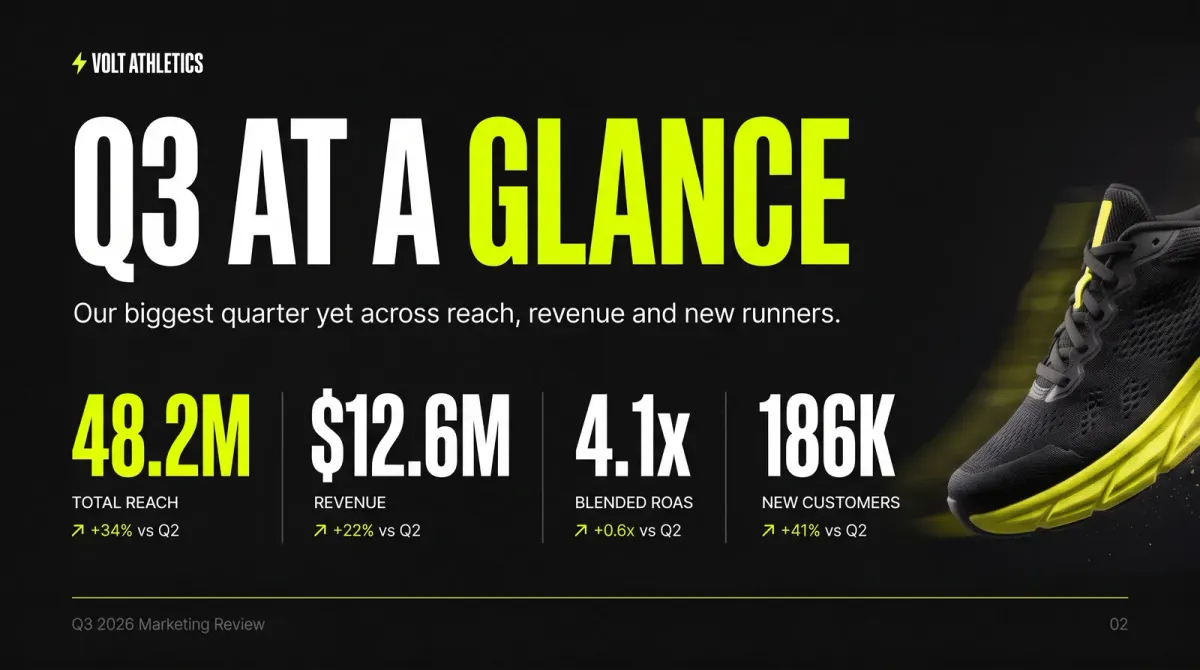

Runable doesn’t just lay out slides. It finds the facts, writes the story, designs every slide and gives you a deck you can present today.
 Launch keynote
Describe the talk and the audience. Runable researches the topic, outlines the story, writes each slide and designs the deck to match the mood you ask for.
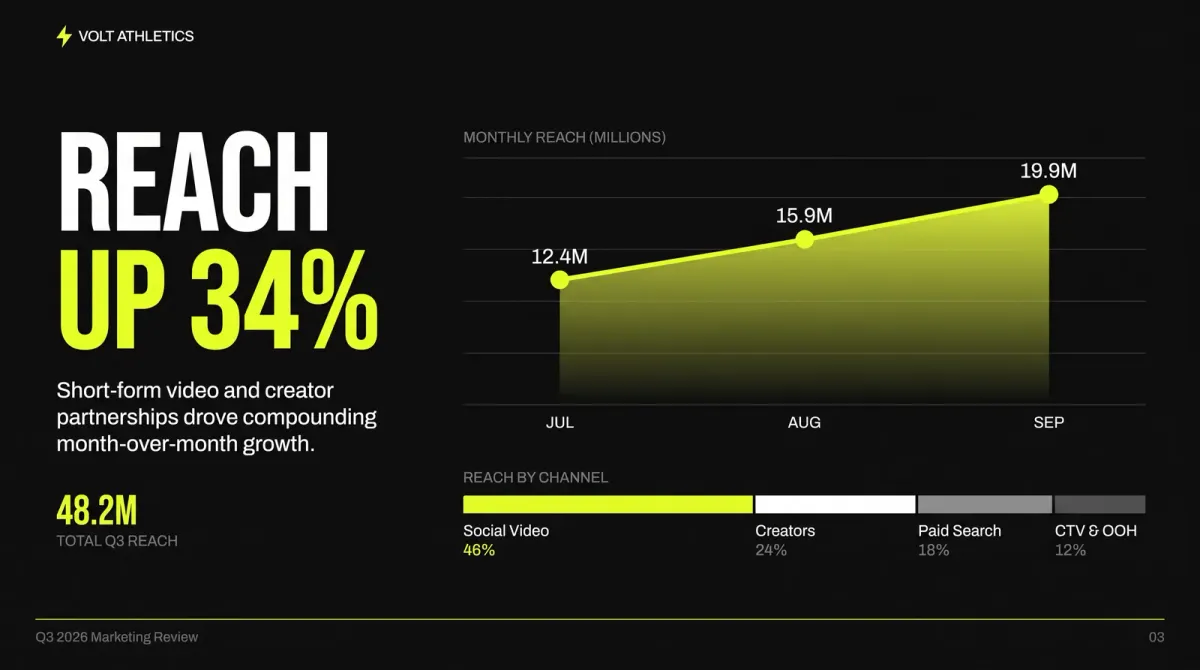
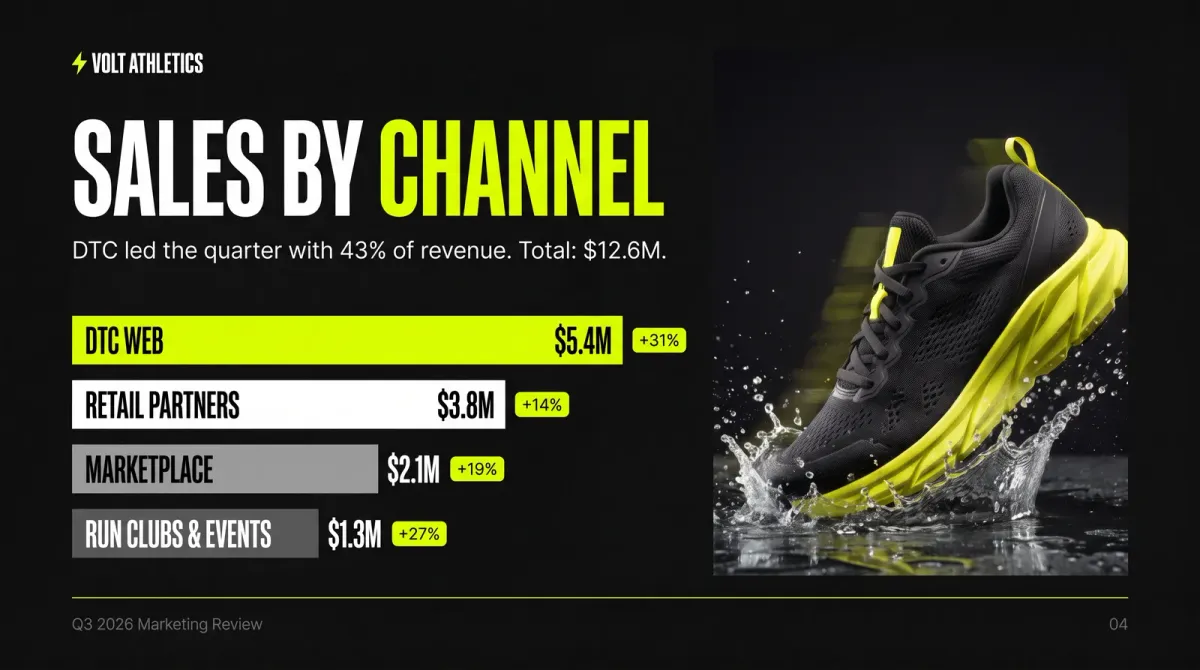 Sales by channel
Upload a report, a spreadsheet or campaign results, or paste a link. Runable pulls out what matters and turns it into clean charts and slides that make the point.
 Budget slide
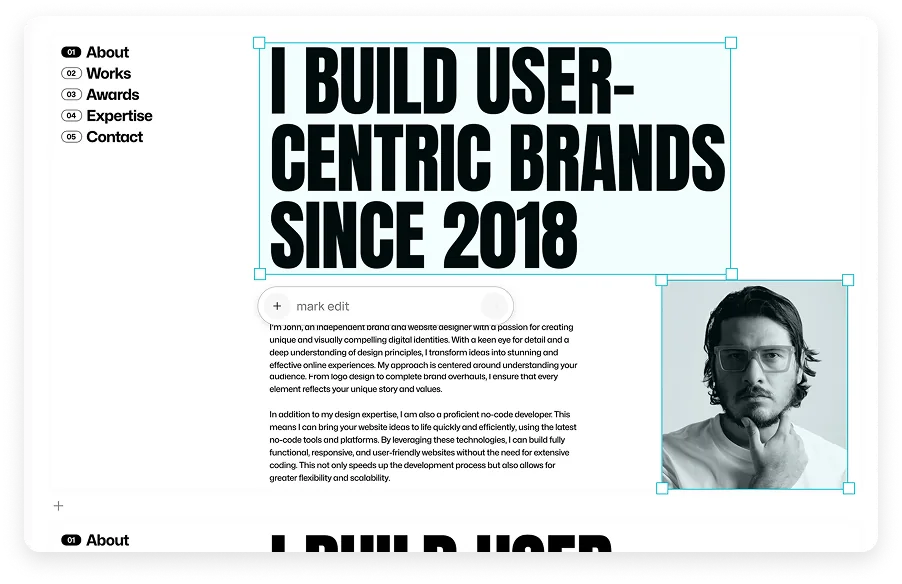
Mark the part of a slide you want changed and say what to do, or edit text and images directly in the visual editor.
Download an editable PPTX with native charts, a PDF for sharing, or open the deck straight in Google Slides.

Editorial, bold, playful or cinematic. Point Runable at a style you like, or let it propose a direction for your topic and audience.
Save your colours, fonts and logo as a design system and every deck follows it.
Runable searches the web and cites what it finds, so the numbers hold up.
Charts stay editable in PowerPoint, so you can update the numbers later.
A five-slide update or a 20-slide training deck. Ask for the length you need.
Describe the talk and the audience, or drop in a document, a spreadsheet or a link.
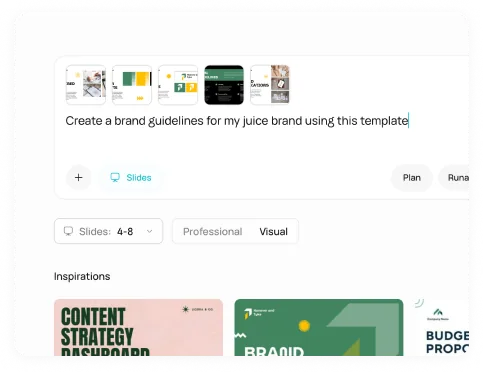
Pick a direction or describe one. Ask for a new layout, palette or mood until it fits.
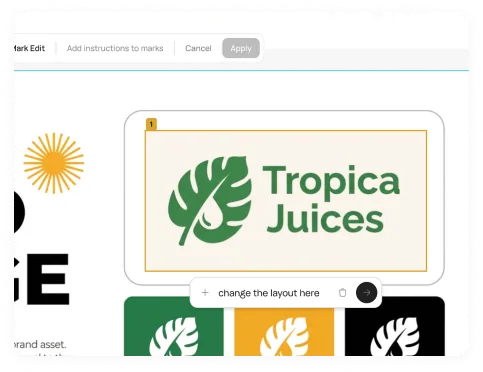
Fine-tune any slide by asking, then download a PPTX or PDF or open it in Google Slides.
Start from a blank prompt or pick a workflow that does the research first.
Research any topic, distil the key points and get a polished deck back.
Open workflowTurn a long document into key metrics, charts and takeaways.
Open workflowSort an industry’s companies into a clear visual map.
Open workflowUse cases, talking points and a demo script for one customer.
Open workflowAn account profile and call plan before the meeting.
Open workflowProgress, blockers, decisions and next steps in one update.
Open workflowAn annotated deck of what competitors do well.
Open workflowNeed SSO, data localization, premium support, onboarding assistance? Contact Sales
Describe the talk. Runable researches it, writes it and designs every slide.