

Designed like a real document
Proposals and reports come out laid out and on-brand: a cover, clear sections, mood boards and timelines, not a wall of text.
Turn data, files or a question into a sourced report with charts, as a doc or PDF.
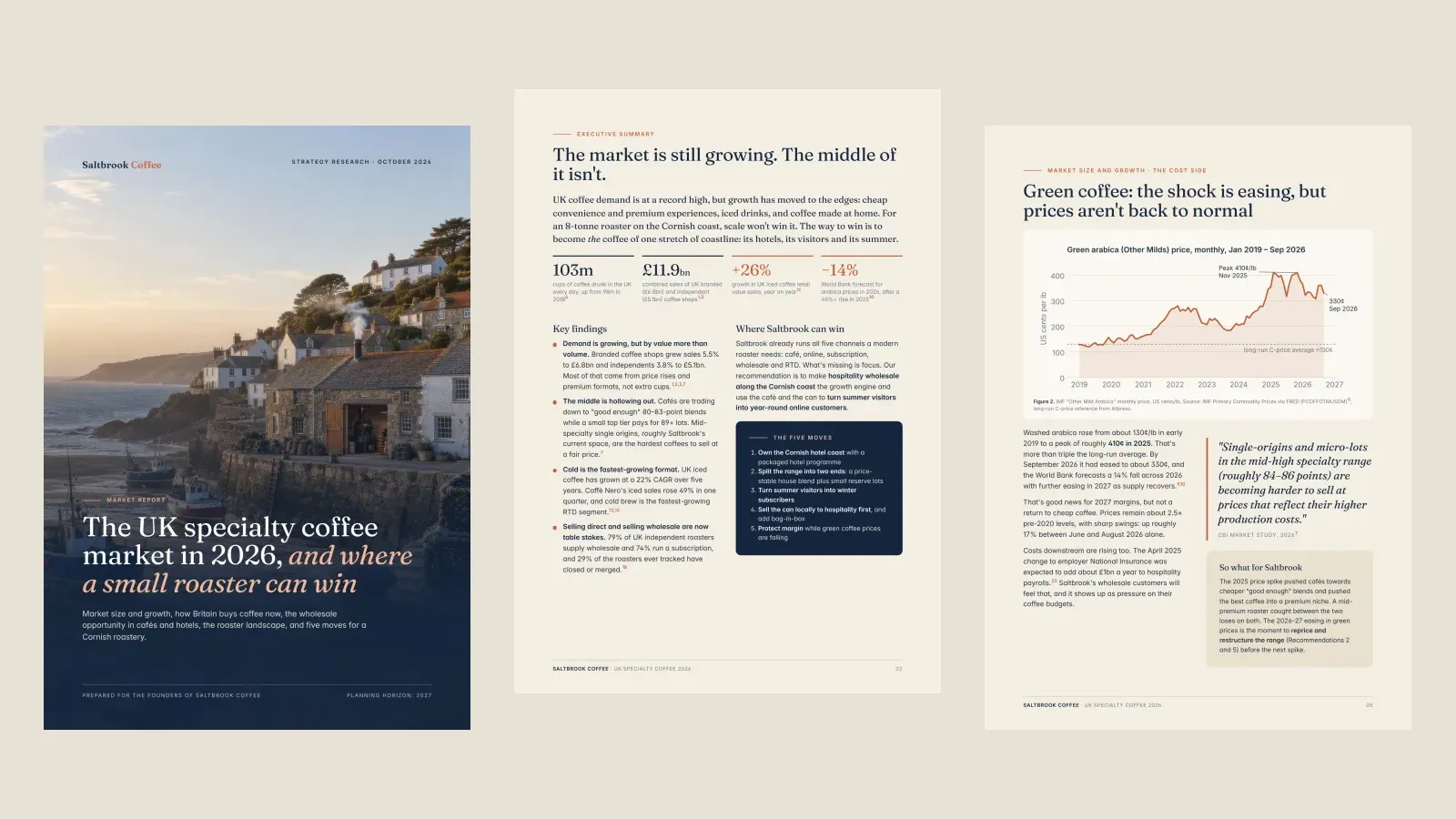
Pages from a market report and a client proposal Runable made, one prompt each. Hover to see the prompt behind each one (shortened).

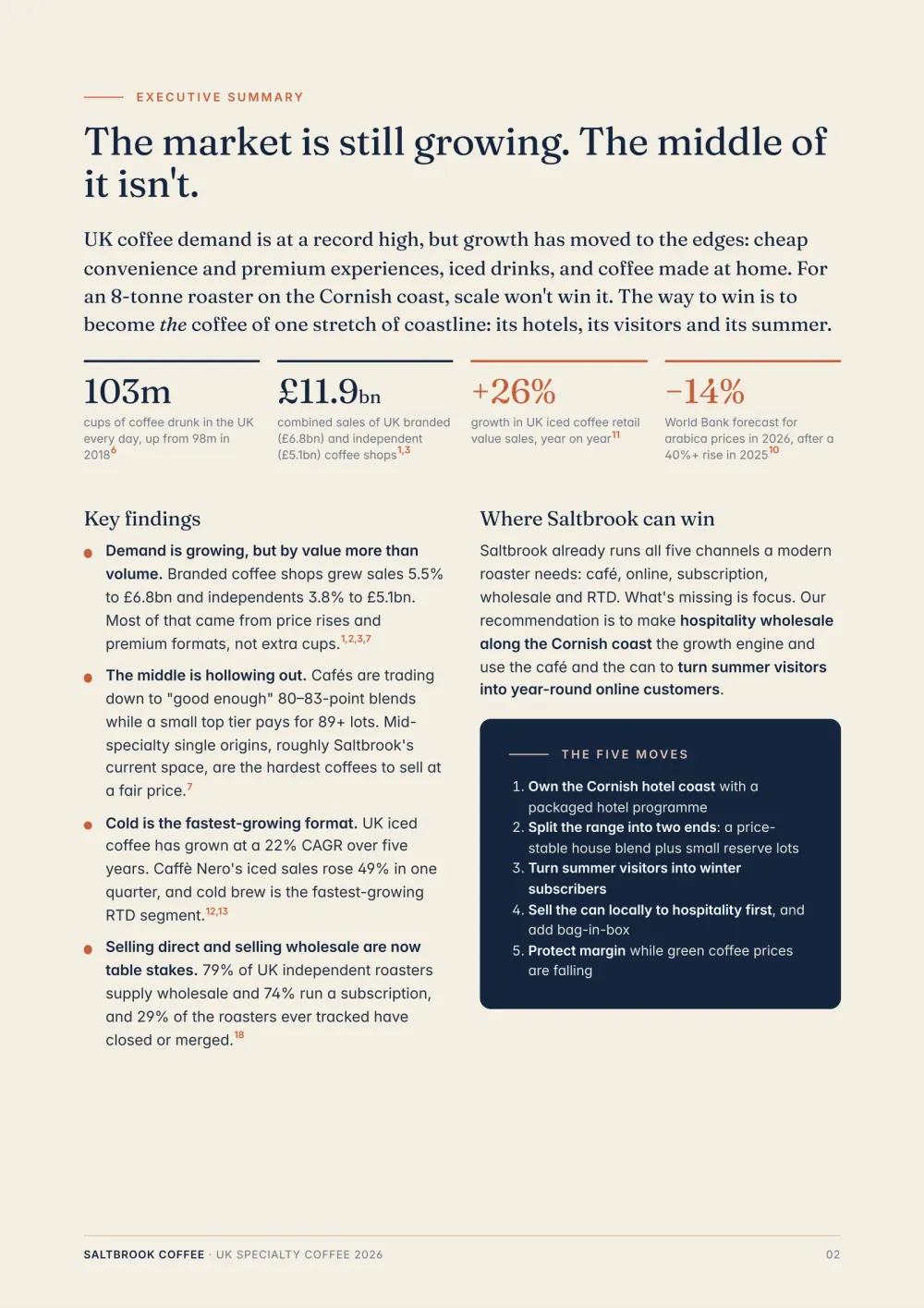
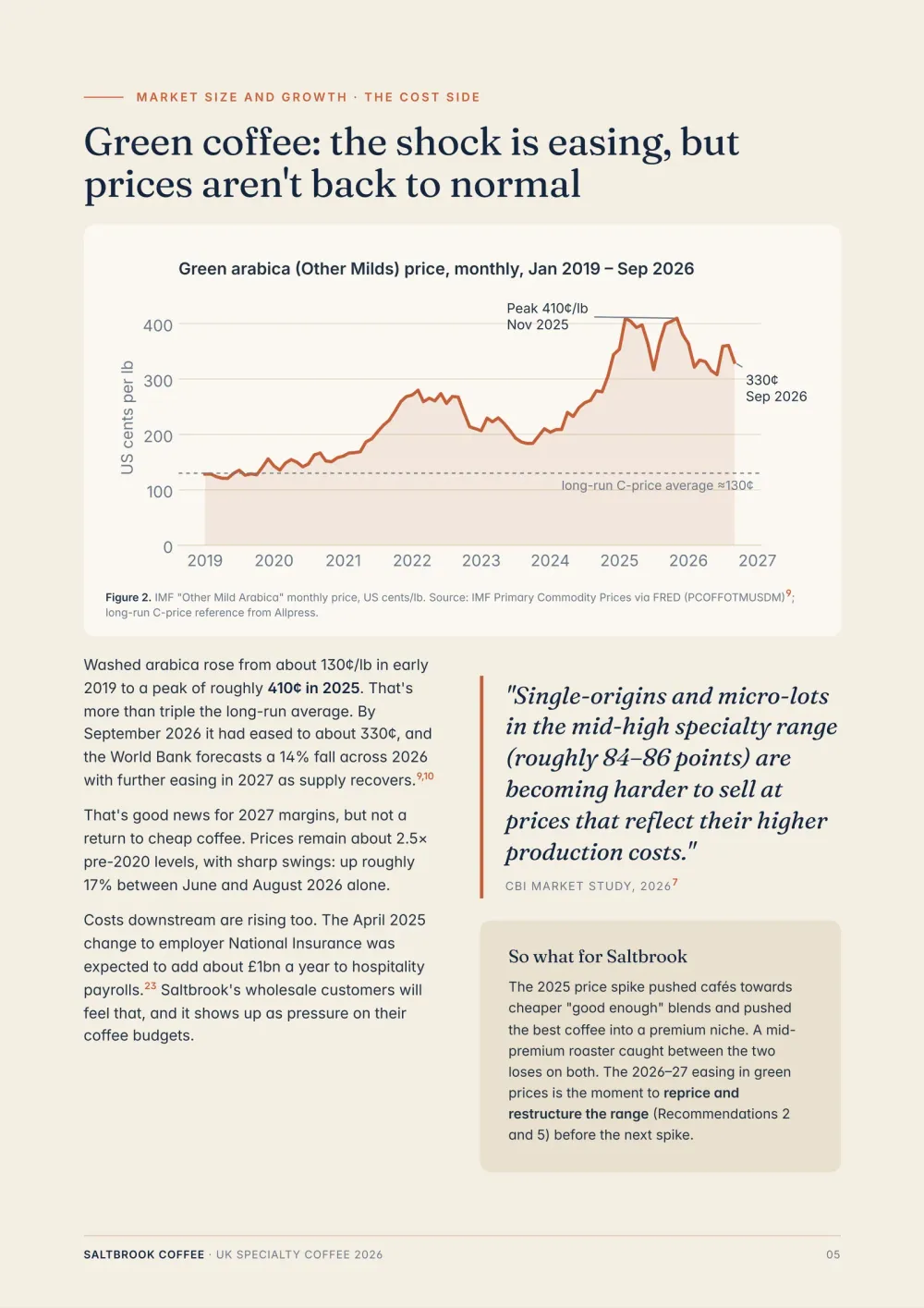
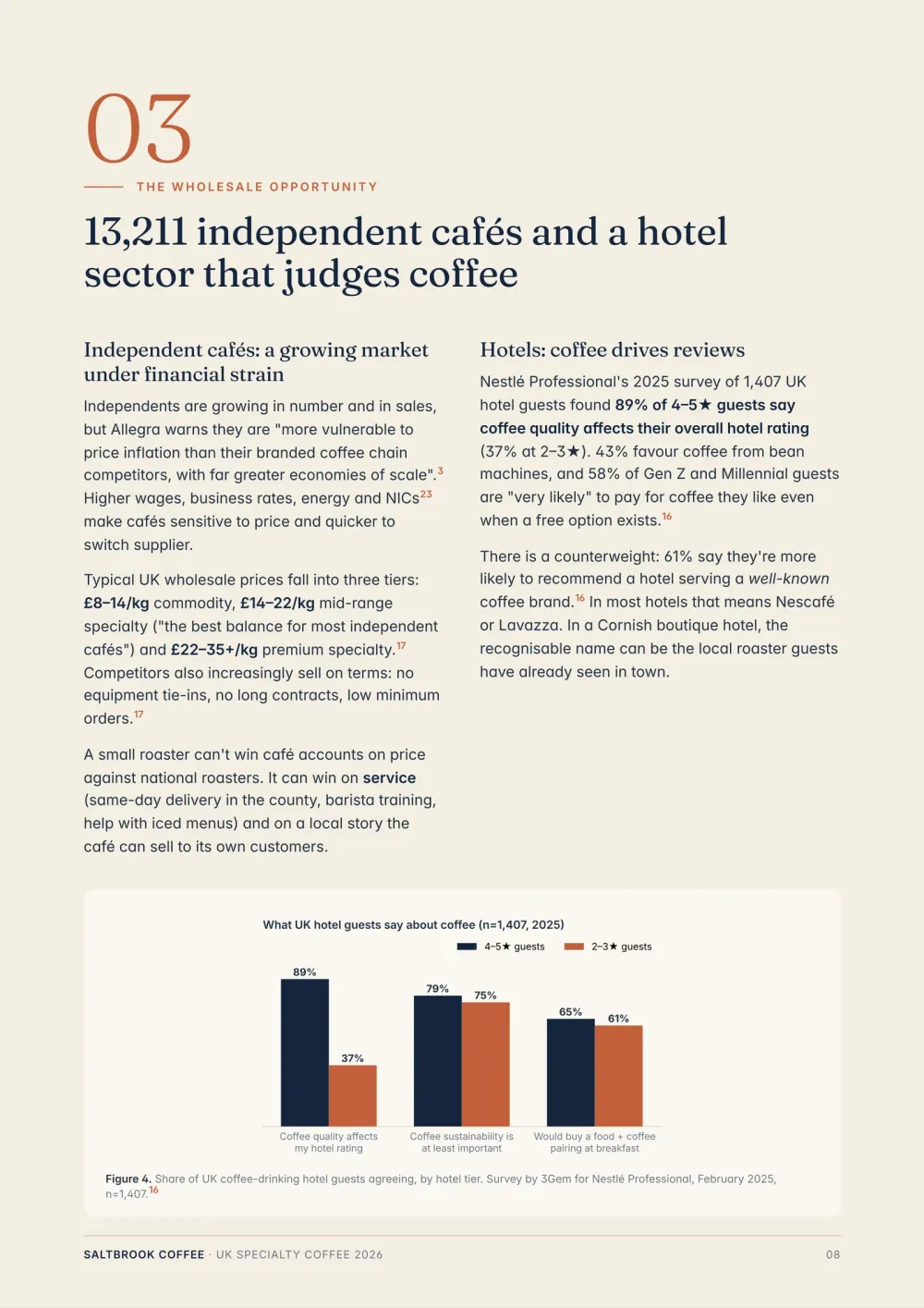


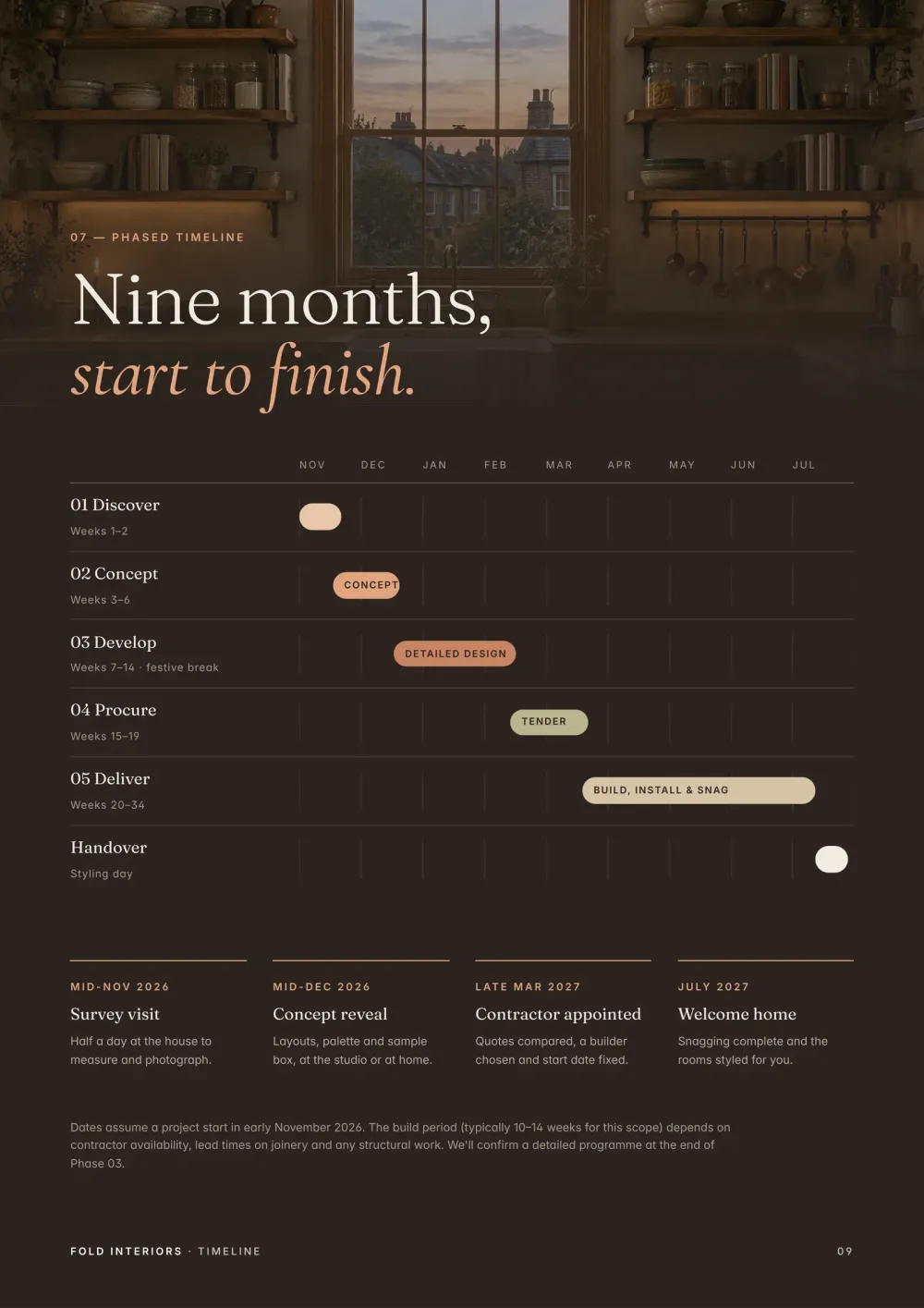
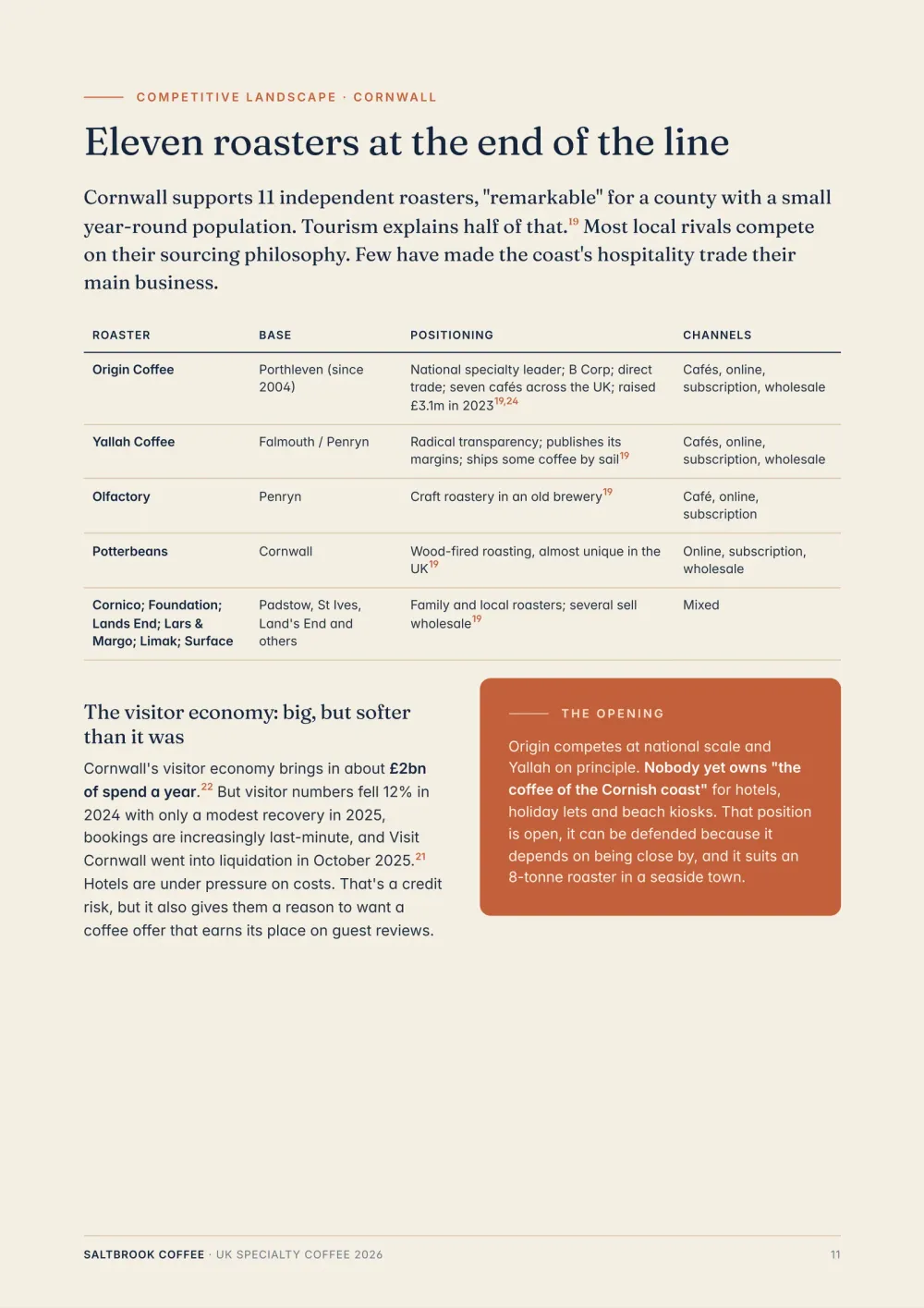
Runable searches the web, reads your files, works through the numbers and writes a designed report you can send, with every claim traced back to a source.
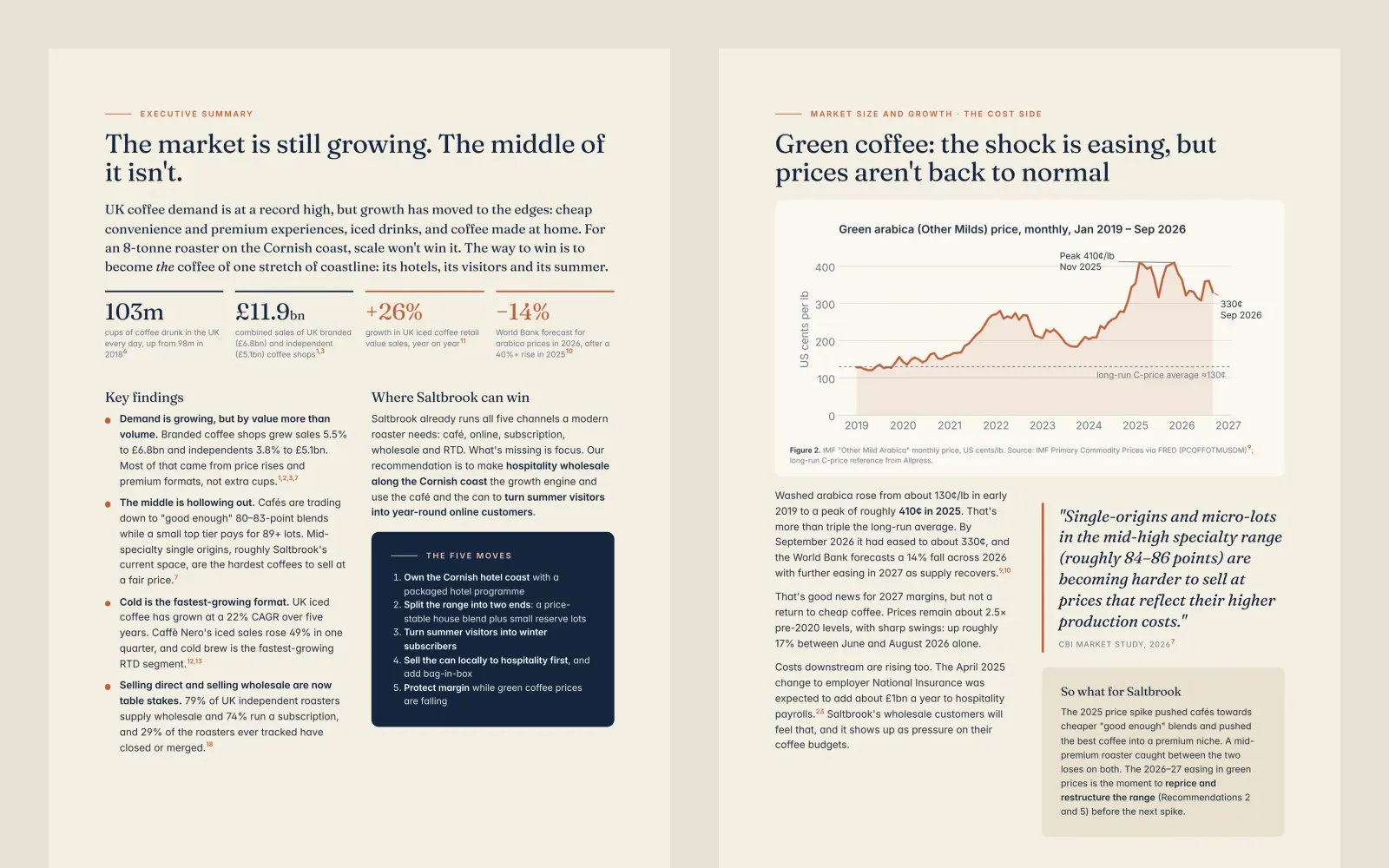 Market report
Ask a question the way you would ask an analyst. Runable plans the outline, researches each section, writes the findings and designs the pages.
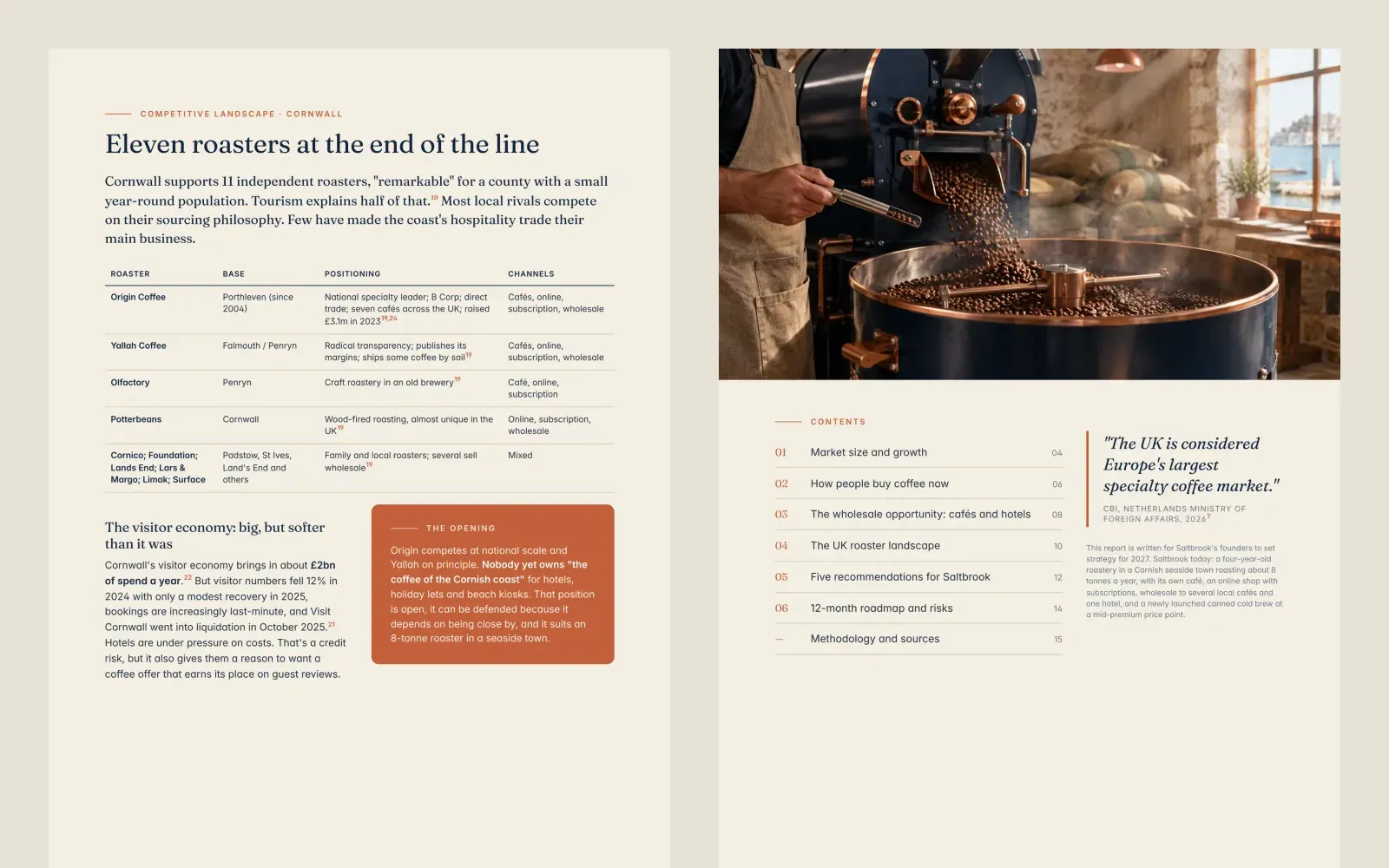
Every claim traces back to a source, with footnotes on the page and full links at the end, so you can check any figure before you share it.
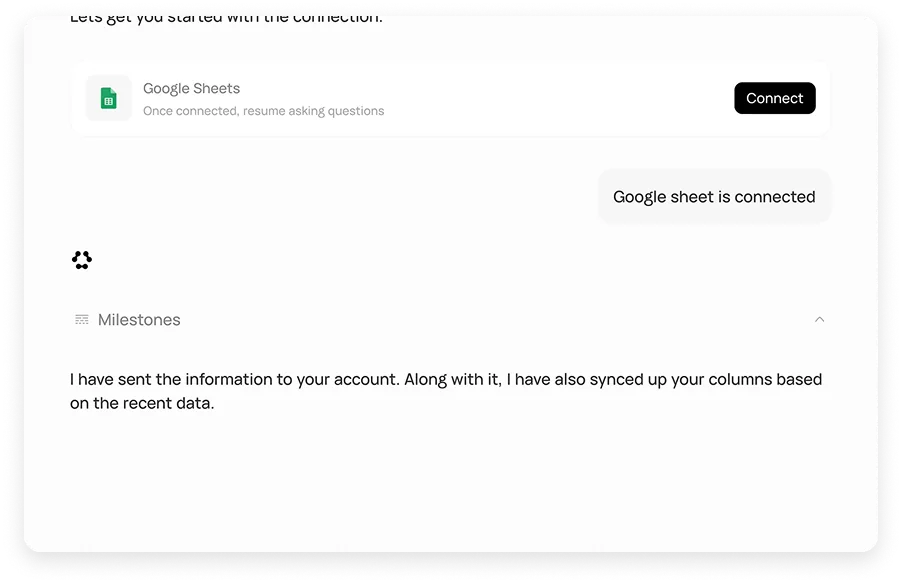
Upload spreadsheets, PDFs, decks or notes and Runable pulls out what matters, charts the numbers and writes it up in the format you need.
Proposals and reports come out laid out and on-brand: a cover, clear sections, mood boards and timelines, not a wall of text.
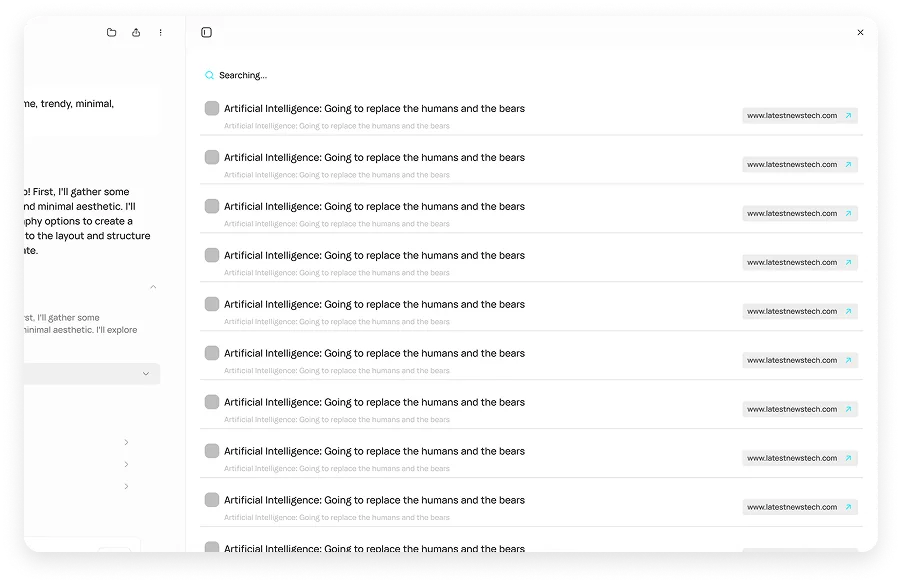
See every source Runable used while it works, and open any of them from the report.
Line, bar and comparison charts placed where the argument needs them.
Change any section in the editor or ask Runable to rewrite it.
A two-page brief, a standard report or a 15-page deep dive.
Get the same report every week or month with Scheduled Tasks.
Describe what you need to know and who it’s for, and add any files or data you have.
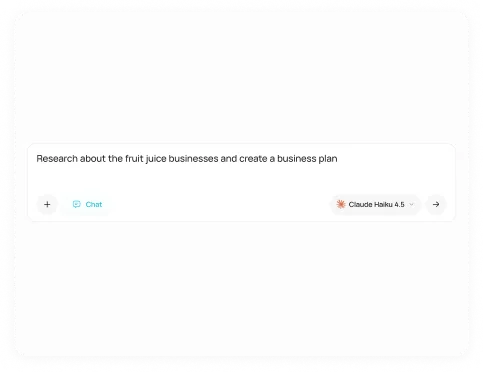
Check the plan and the sources Runable found, then let it write and design the report.
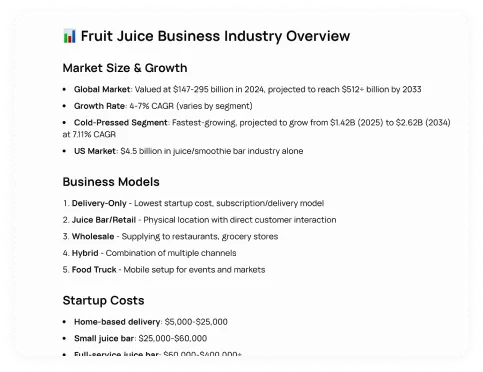
Download a PDF, open it in Word or Google Docs, or keep editing in Runable.
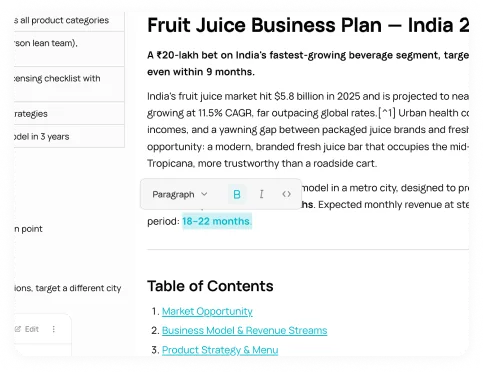
Start from a blank prompt or pick a workflow that knows the format.
Key metrics, charts and takeaways from a long document.
Open workflowProgress, blockers, decisions, owners and next steps.
Open workflowSurvey and feedback analysis with actions by segment.
Open workflowAn industry’s companies sorted into one visual map.
Open workflowBusiness, outlook, valuation and risks of a public company.
Open workflowThe quarter, the guidance and the stock reaction in one memo.
Open workflowSales, cash, support and bottlenecks for a small business.
Open workflowA full marketing audit of any website, with fixes.
Open workflowNeed SSO, data localization, premium support, onboarding assistance? Contact Sales
Ask it. Runable researches it, writes it and designs it, with every source cited.