Notes that connect to your work
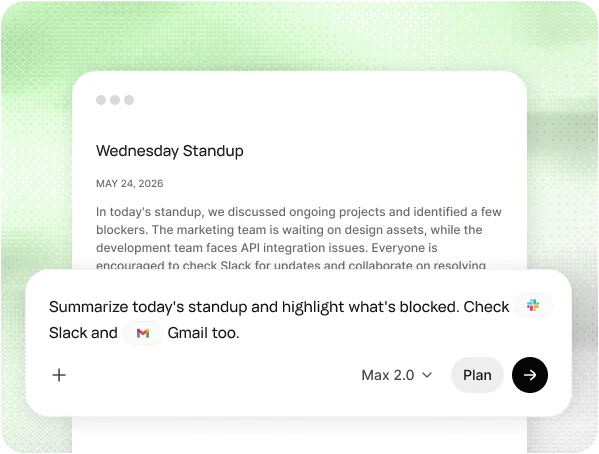
Runable reads your meeting notes alongside Slack, Gmail and your docs, so a summary can include what was said after the call too.
Runable Meet joins your call, takes notes and then does the follow-up work for you.
Real requests people make once Runable Meet has the notes. Hover to see each one.
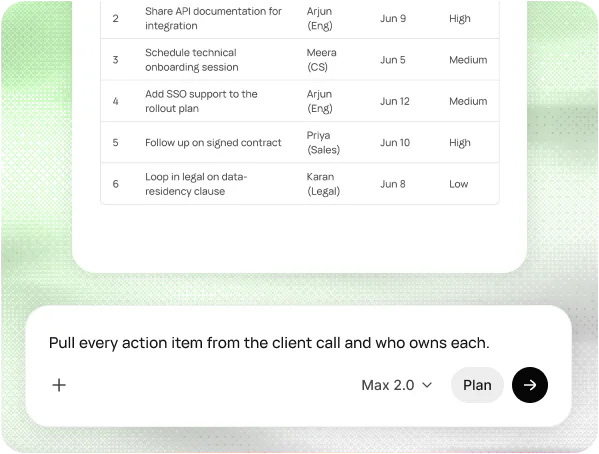
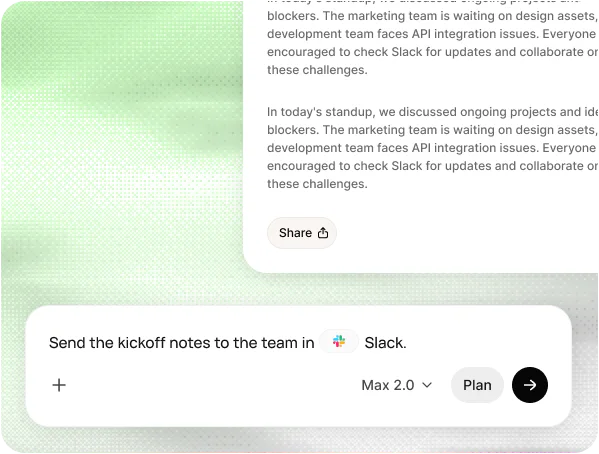
Most note takers stop at a transcript. Runable Meet writes the summary, pulls out who owes what, and then sends the email, posts the update and files the tasks.
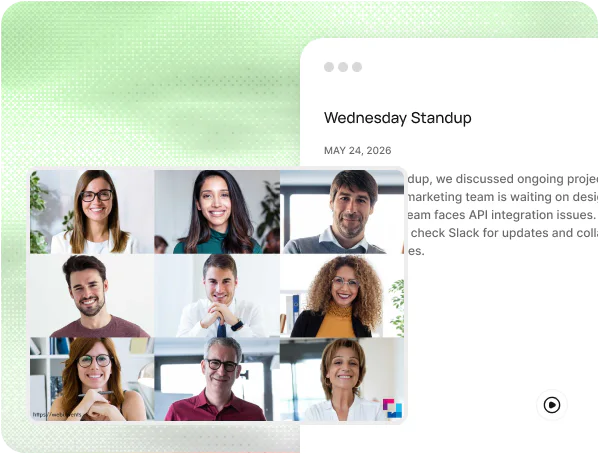
Connect your calendar and Runable Meet joins the calls you choose on Zoom, Google Meet, Microsoft Teams or GoTo Meeting, records them and writes up the notes.
Every meeting ends with a short summary, the decisions made and a table of action items, each with an owner and a due date.
Ask Runable to do what the meeting decided: draft the follow-up email, post the notes in Slack, add the tasks to Notion or anything else you need.
Runable reads your meeting notes alongside Slack, Gmail and your docs, so a summary can include what was said after the call too.
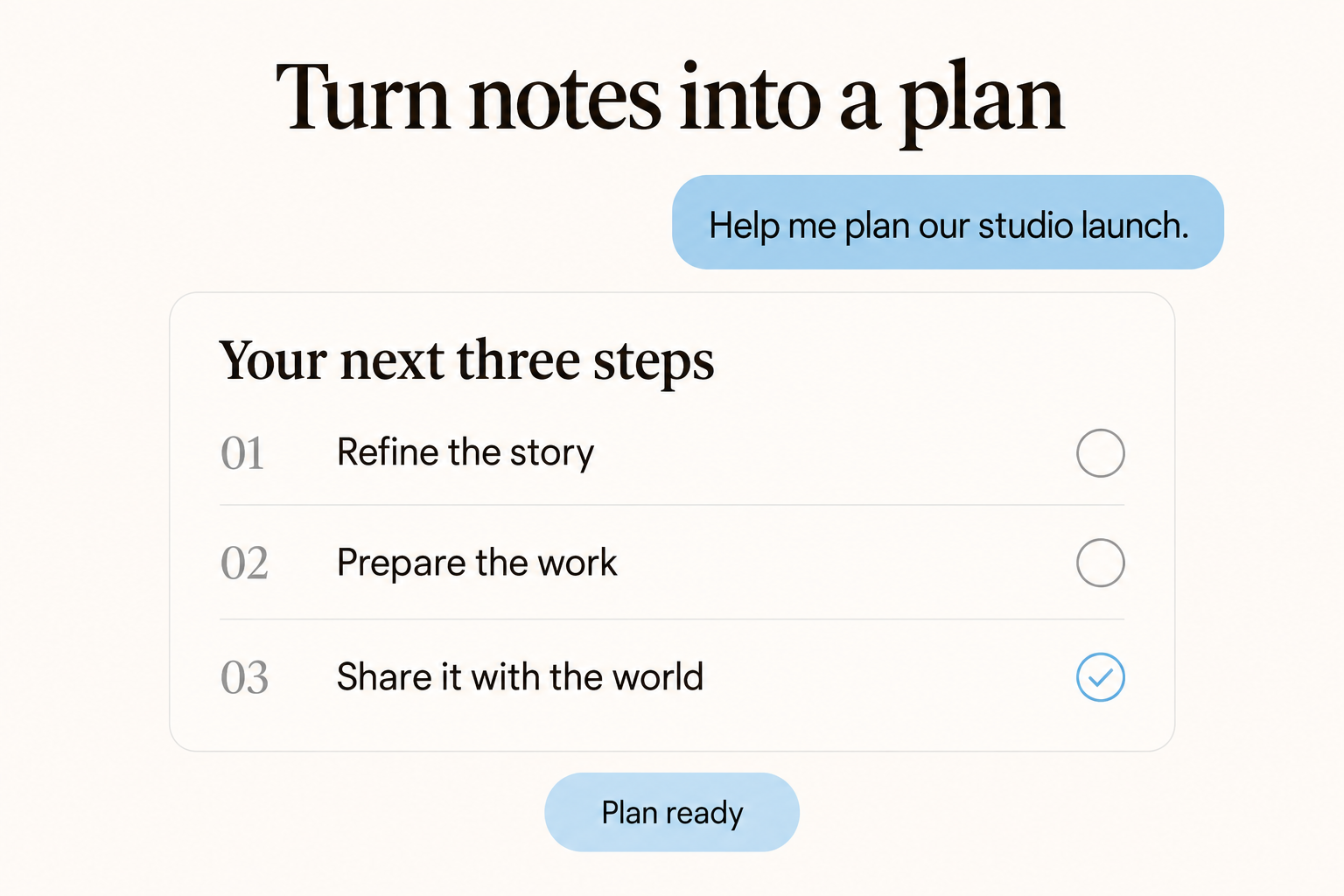
Turn a meeting into a project plan, a brief or a deck in the same chat.
Pick which calls Runable Meet joins from your calendar.
Transcripts detect the spoken language; summaries in 25 languages.
Record any call on your Mac without a bot joining.
Send attendees the summary, or share notes with a link.
Link Google Calendar or Outlook and choose which calls Runable Meet should join.
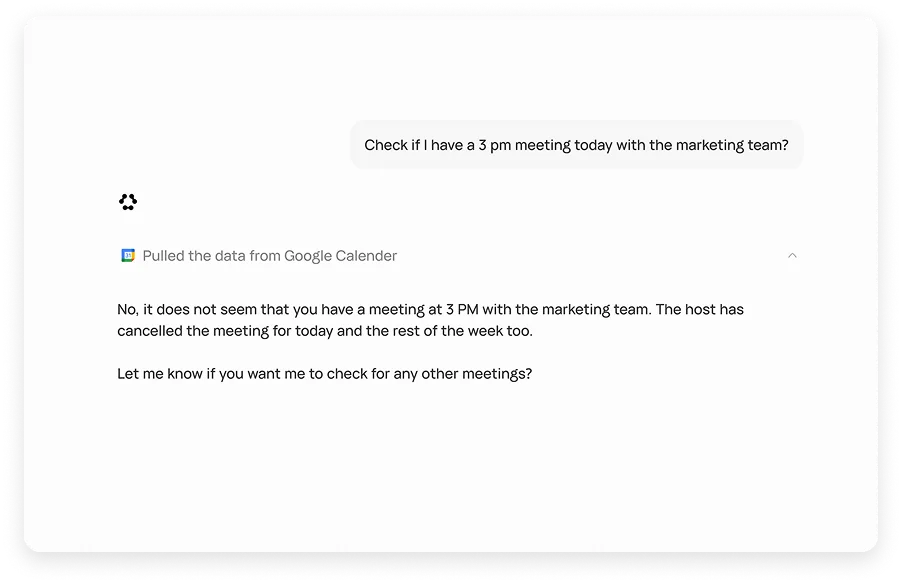
Runable Meet joins on Zoom, Google Meet, Teams or GoTo Meeting and records while you talk.
Read the summary and action items, then ask Runable to send the email or post the update.
Pair the note taker with workflows that prepare you and keep work moving.
Context on every attendee from your calendar, email and docs.
Open workflowDraft replies and surface the commitments hiding in your inbox.
Open workflowConfirmations, reminders, notes and follow-ups for every appointment.
Open workflowMeetings, messages, customers and cash in one morning brief.
Open workflowProgress, blockers, owners and next steps in one update.
Open workflowAnswers from your connected docs and messages, with evidence.
Open workflowProtect focus time around your meetings and plan the week.
Open workflowKey points and takeaways from the docs shared in the call.
Open workflowNeed SSO, data localization, premium support, onboarding assistance? Contact Sales
Connect your calendar. Runable Meet takes the notes and does the follow-up.