Import your project to Runable.Completely Free.
The agent rebuilds it. DB, auth, deploys included.

How to export from Lovable


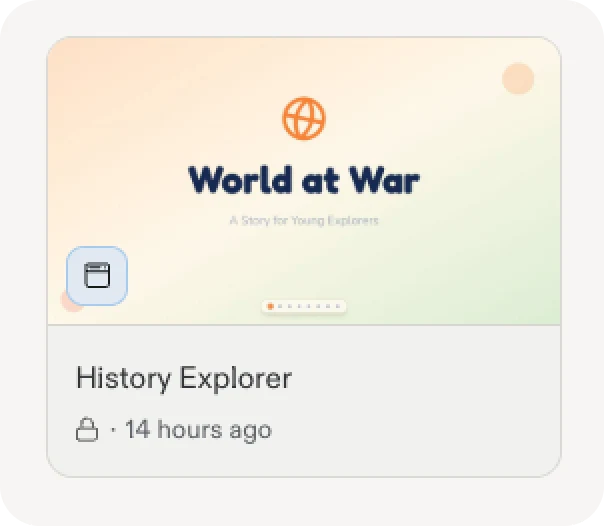
1. Open your Lovable account
Log in to Lovable and open the project you want to migrate.
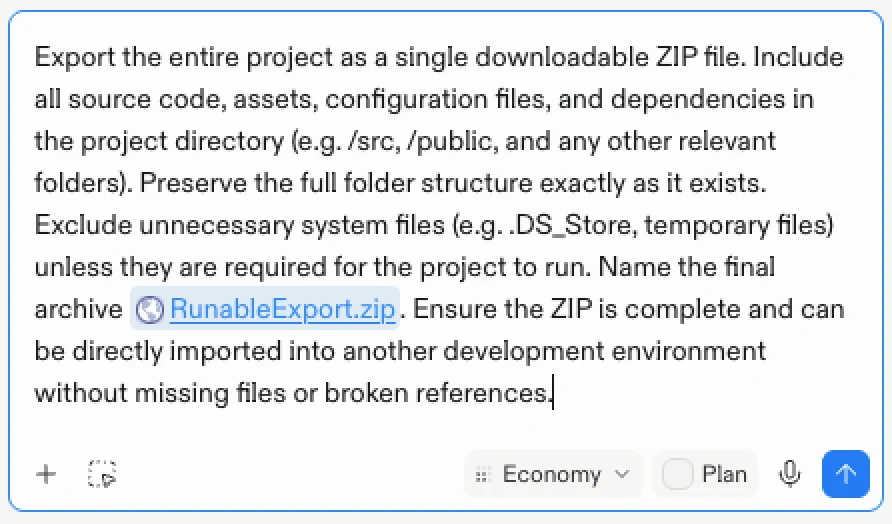
2. Ask Lovable to package it
Copy the prompt below and paste it into the Lovable agent. It bundles your full source into RunableExport.zip and drops a download link in the chat.
3. Wait for Lovable to build the ZIP
Lovable gathers your source code, assets, and config files and bundles them so nothing is missing on the way over.
4. Download and import to Runable
Download the ZIP and upload it below.


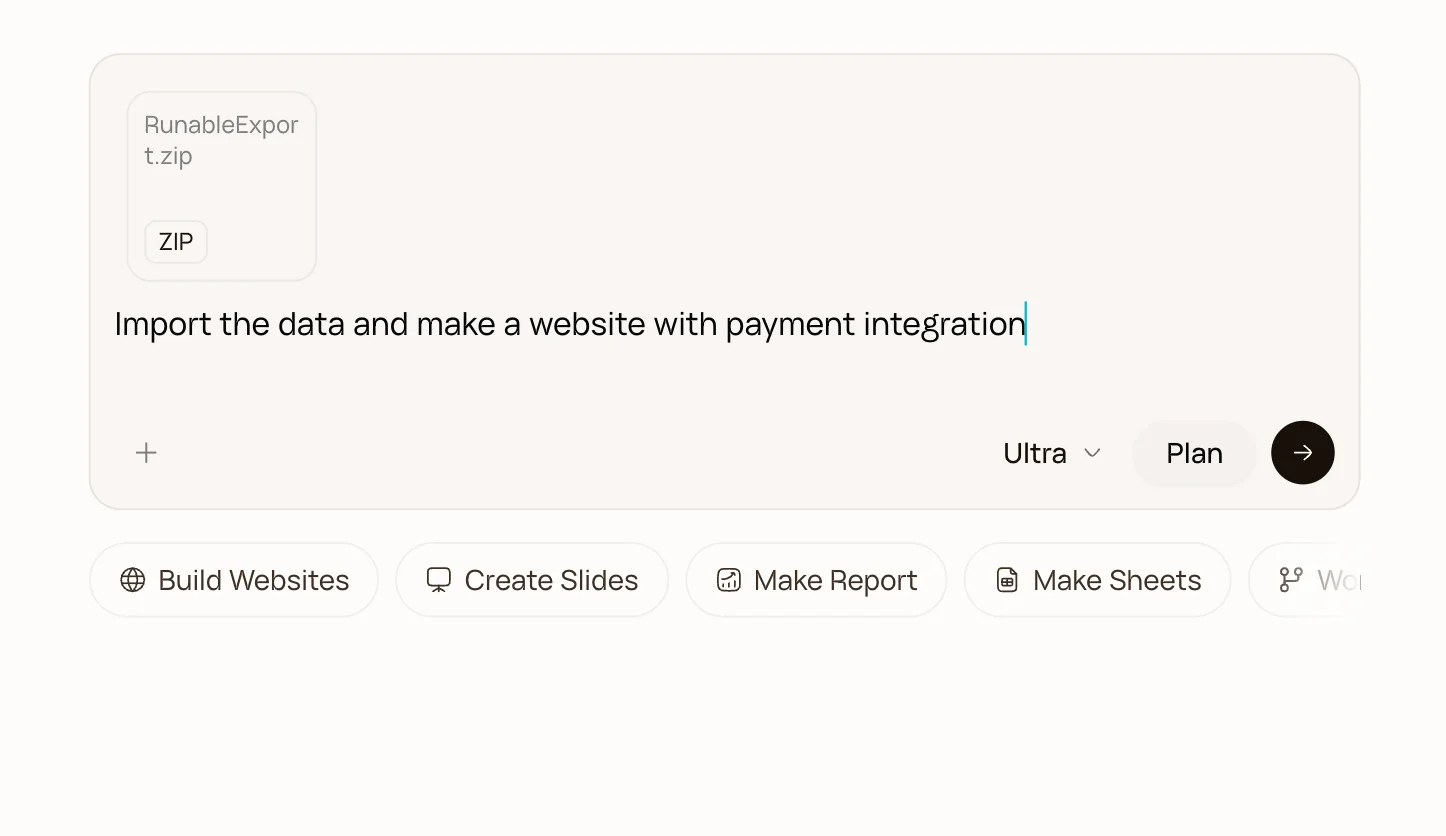
5. Paste the prompt in the chatbox
Once the import completes you'll be prompted for further questions to migrate any user data from your old project.

6. You are done.
After the project imports and builds, ask the agent to generate additional features to improve on your project.
Bring it over. Then outgrow it.
Your project is just the start. On Runable it becomes something bigger

Build beyond
Ship far more complex apps: DB, auth, payments, mobile.

Run on autopilot
Autonomy mode handles ops, comms, and busywork for you.

Actually grow
SEO, analytics, and automations that bring users in.