From Slack message to
finished work.
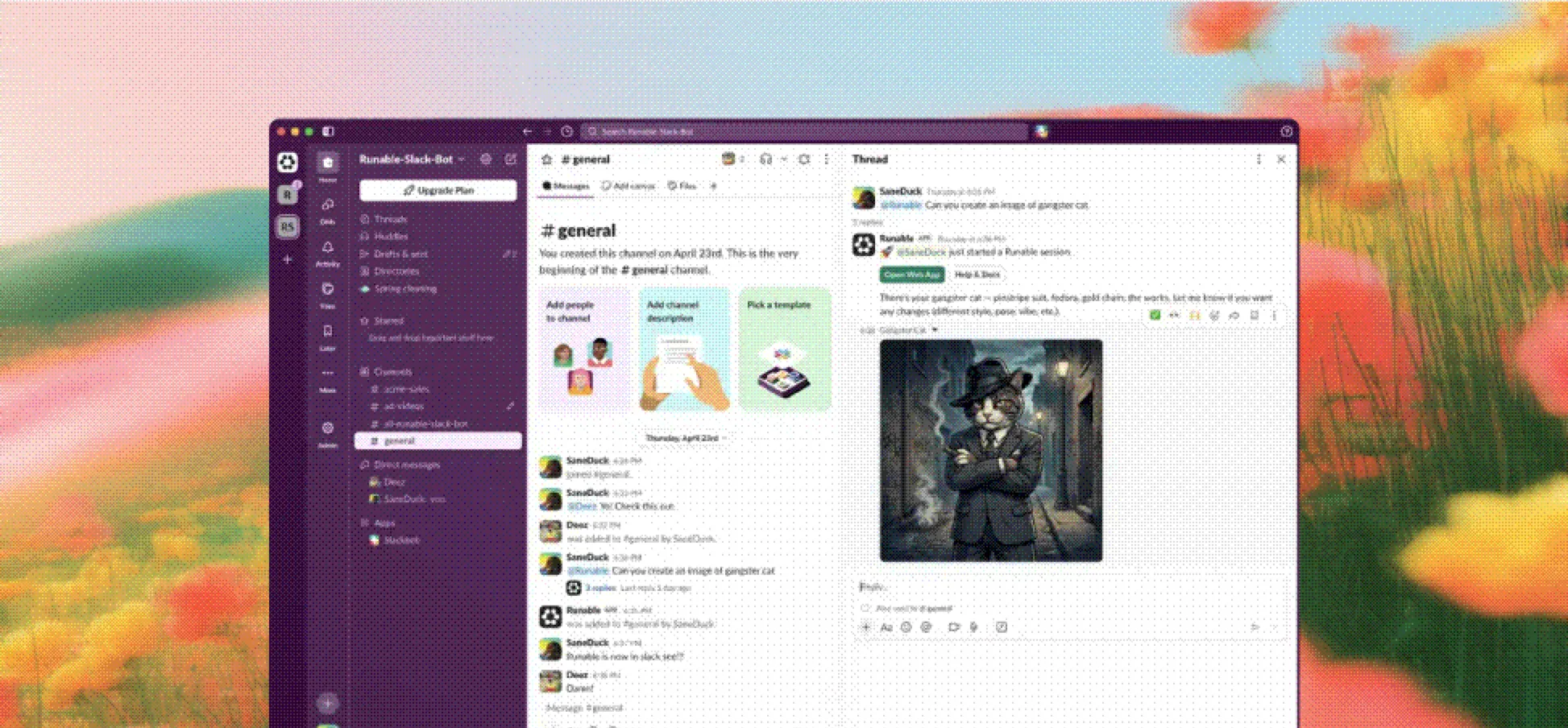
How the Program Works
Getting started is simple. Connect Runable to your workspace, mention the bot, and get finished work delivered right in the thread.
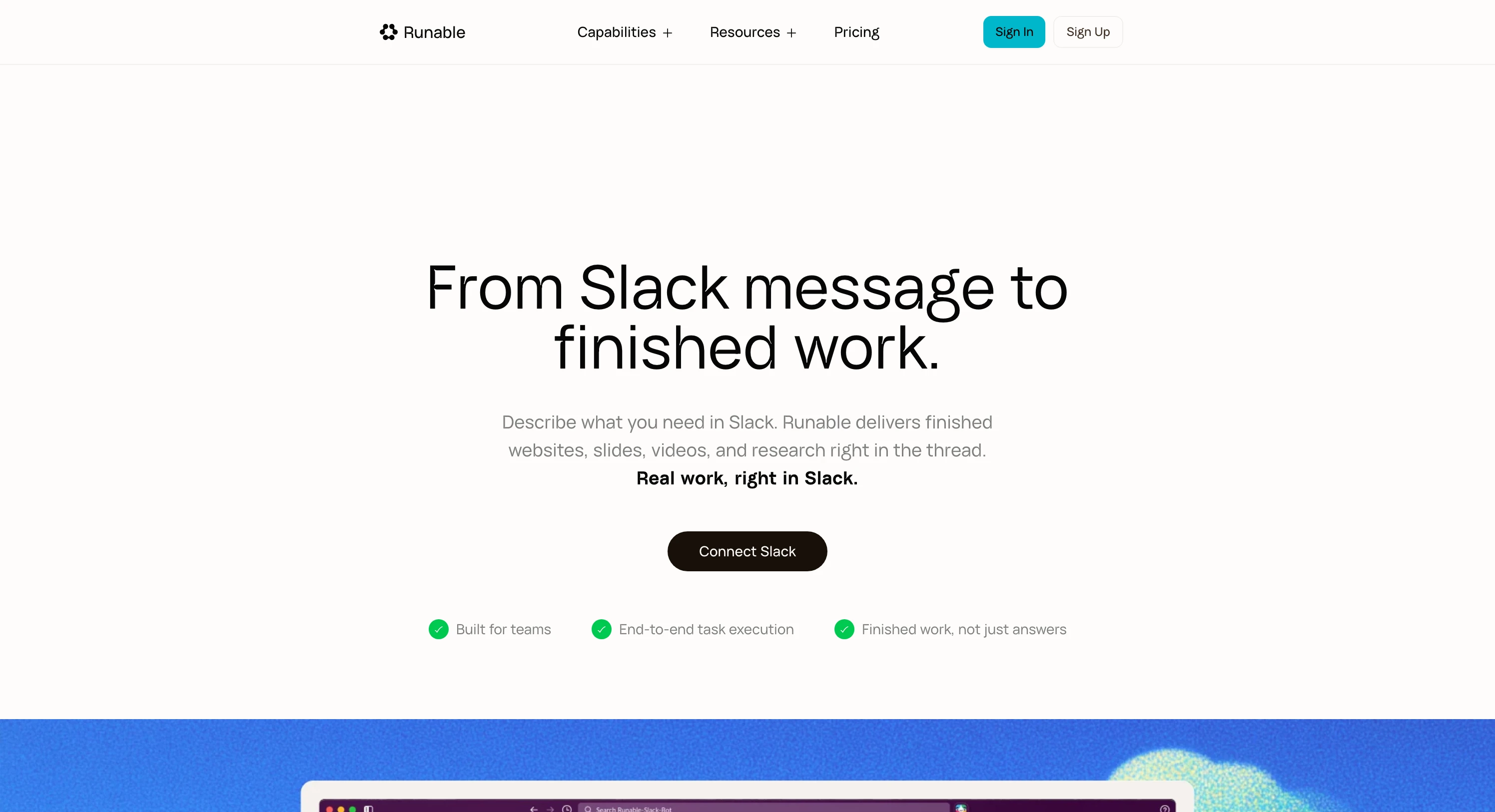
Start from Runable for Slack
Open the Runable for Slack page and click Connect Slack. If you're signed out, Runable asks you to sign in before continuing to the Slack connection flow.
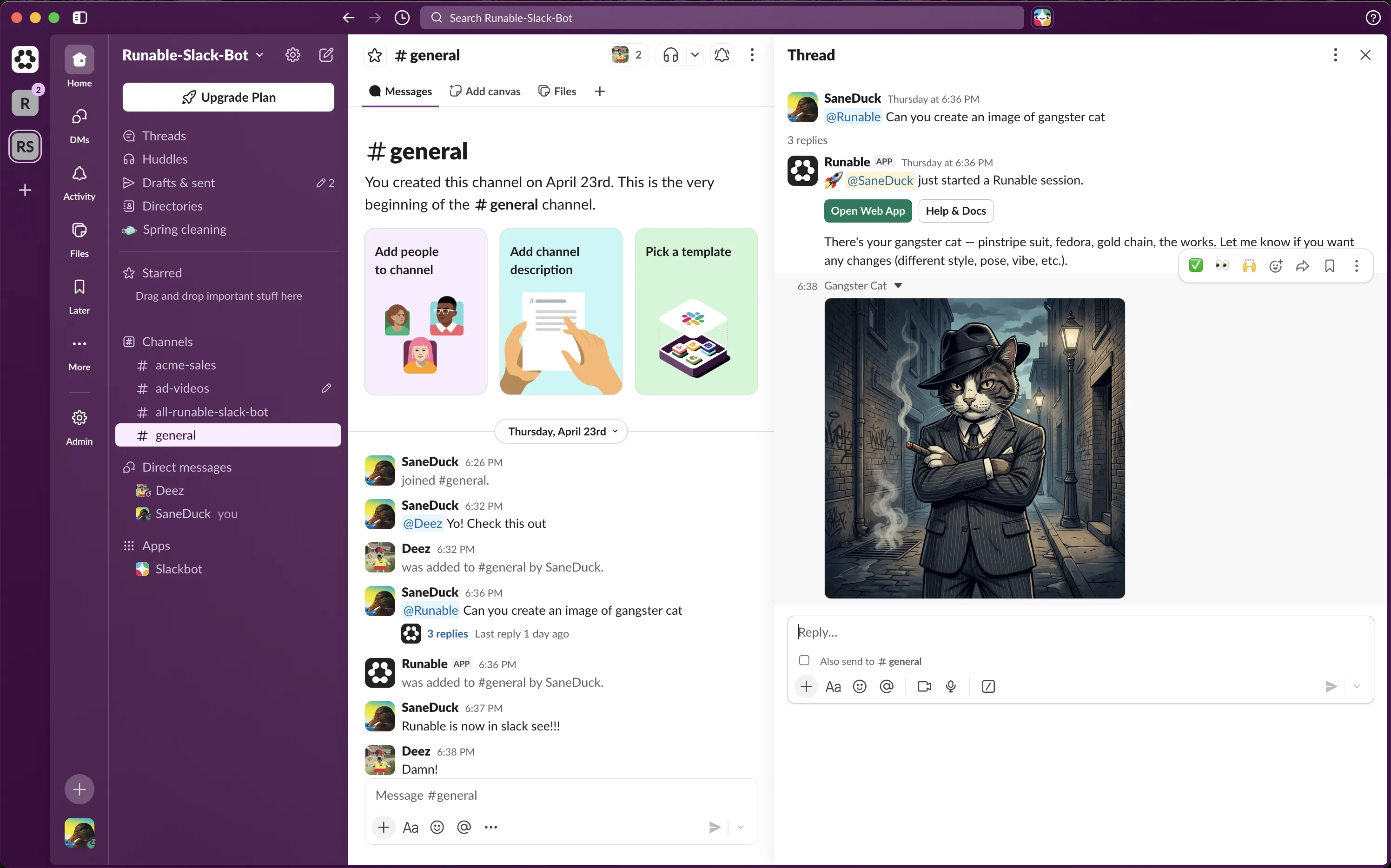
Tag @Runable and Go
Mention @Runable in any channel with what you need. The agent picks up the request from your message and gets to work immediately.
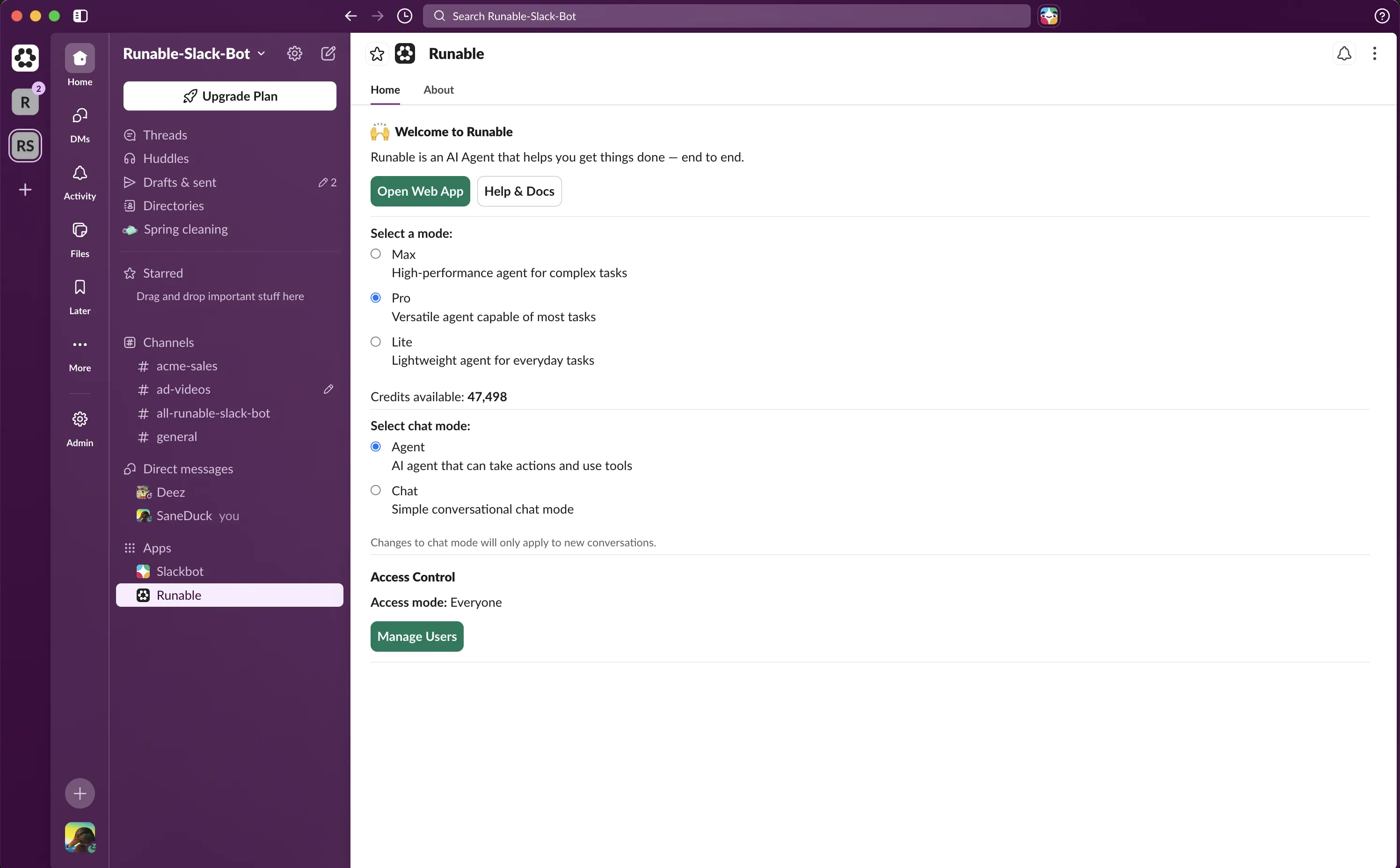
Manage access and settings
Click the Runable bot in your sidebar to open the App Home tab. Manage your connection, control access, and see your settings in one place.
Ways to Use Runable in Slack
Stop describing work. Start getting outcomes.
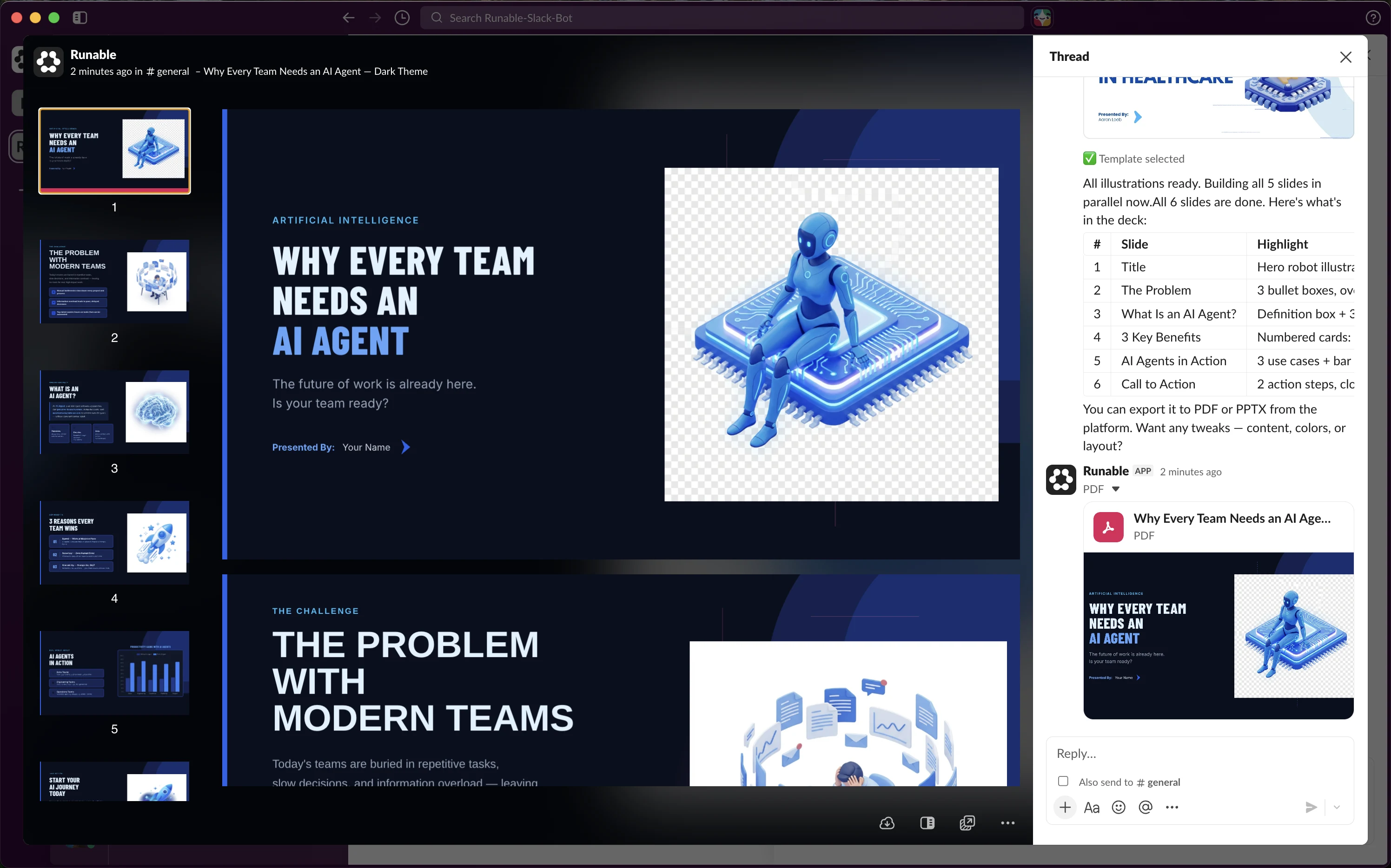
Prompt To Presentation
Type a topic. Select a style. Get a presentation. @Runable handles the structure, slides, and visuals so you can focus on the message.
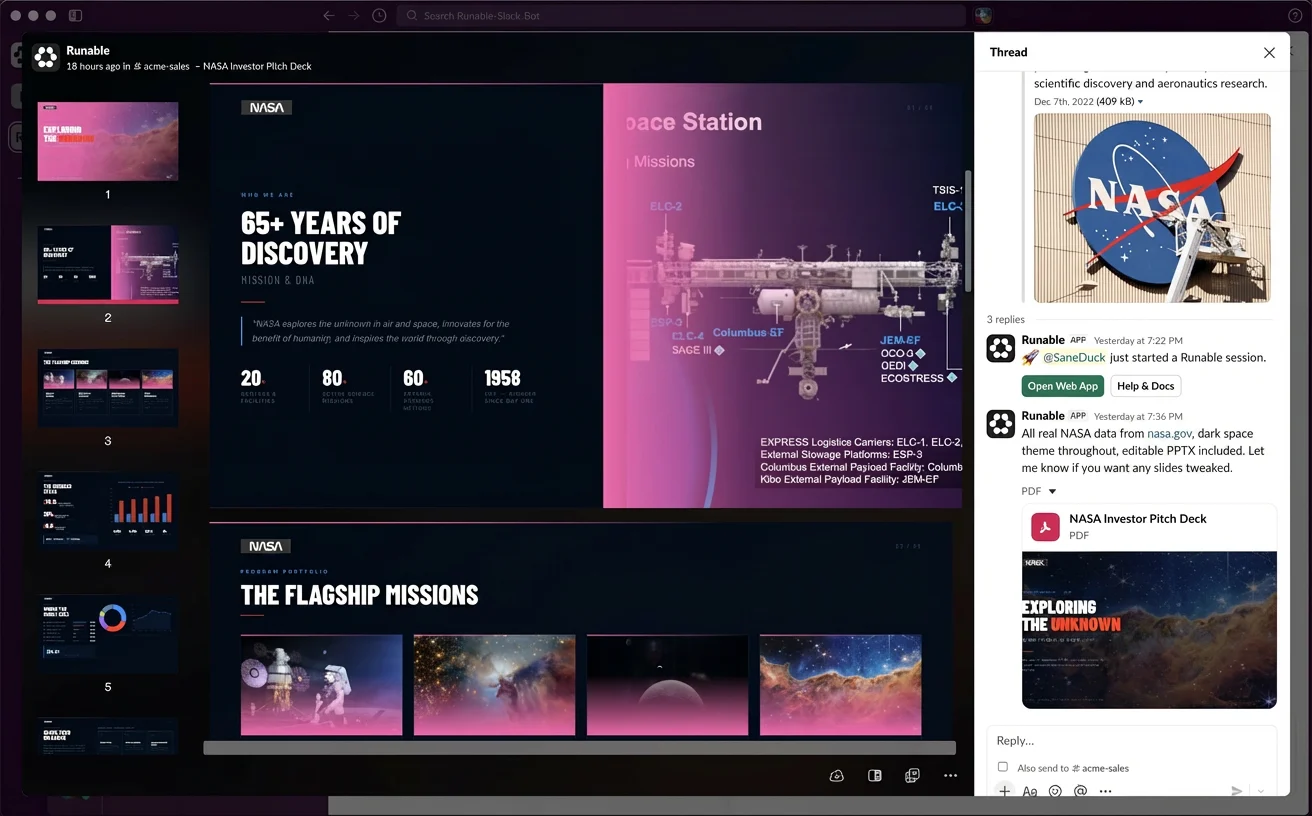
Pitch Deck for Sales Teams
Mention @Runable with the customer details. Get a tailored pitch deck back before the call starts.
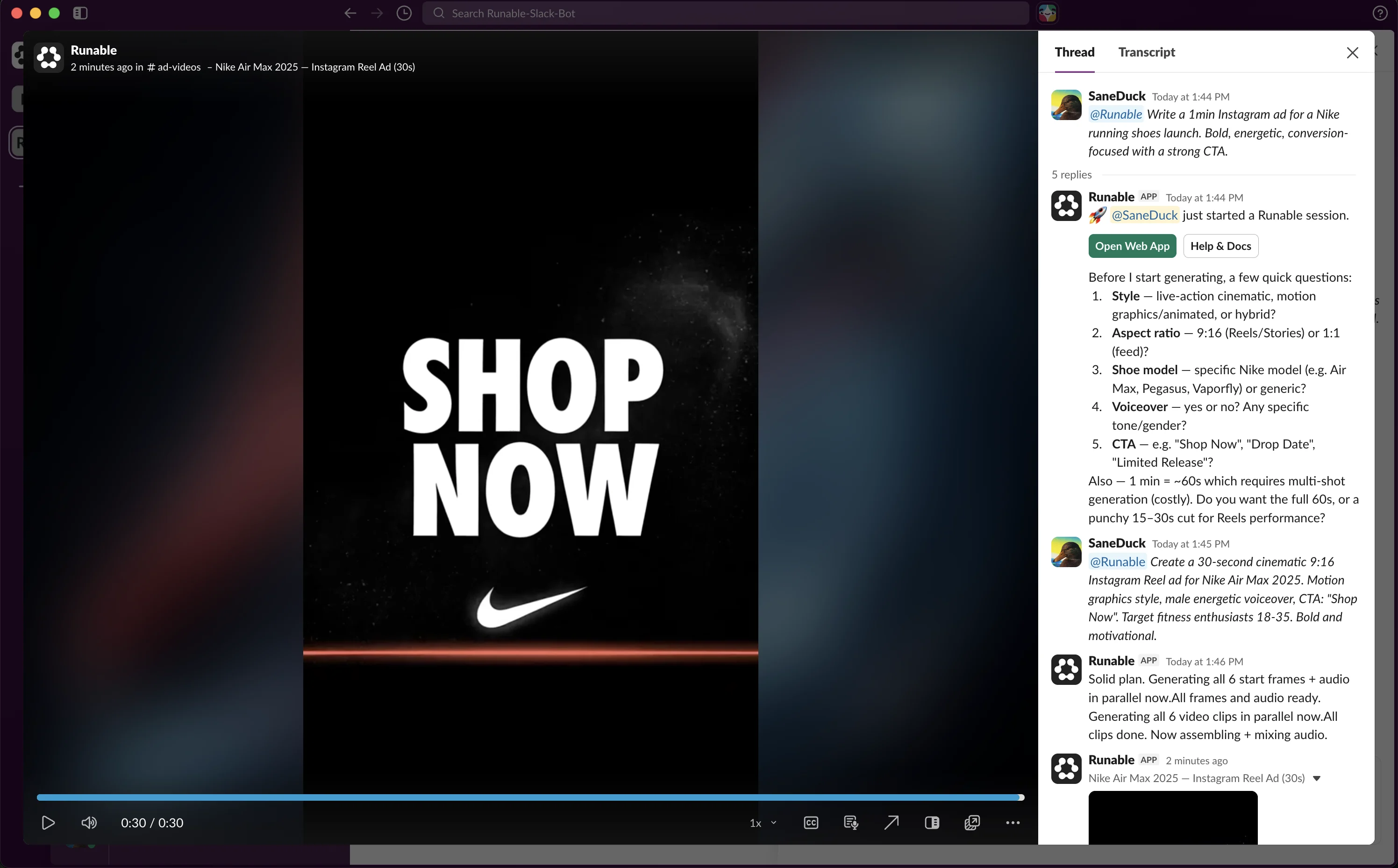
Campaign ads in one prompt
Describe the campaign. @Runable produces video ads, posters, and banners ready to ship. No agency, no back-and-forth.
Frequently Asked Questions
Quick answers about using Runable in Slack.
Go to the Claw page, find the Slack card, and click Connect. This triggers the Slack OAuth flow. Once you approve the permissions, you will see a connection success modal with next steps, and the Runable bot will be added to your workspace automatically.
Mention @Runable in any channel where the bot is invited and describe what you need. Runable replies in a thread and delivers the finished output there.
No. Runable responds to direct messages and messages that mention @Runable. When you invoke Runable inside an existing thread, it may process preceding messages and supported attachments from that thread to understand your request. It does not monitor or process unrelated channel conversations.
No. Your Slack data is never used to train AI models. It is only used to generate responses for the requests you send to Runable.
Runable uses infrastructure, AI inference, sandbox execution, connected-app, and product analytics providers to deliver the service. See the current list on our sub-processors page.
Yes. Runable is powered by large language models and may occasionally generate inaccurate or incomplete responses. Please verify important outputs before relying on them.
No. You can connect Slack on a free Runable account and use it with your available free credits. Upgrade to a paid plan whenever you need more credits or higher-tier models. You can sign up to get started.
You can disconnect Slack at any time from the RunClaw page by clicking Disconnect on the Slack card. You can also remove the Runable bot from a channel, or uninstall the app entirely from your Slack workspace settings under Apps and Integrations.
Email support@runable.com, visit our support page, or join our Discord community for help with installation, usage, or any issues you encounter.

