Best AI Presentation Makers in 2026: 8 Compared
💡 > Key takeaways
- Runable is the best overall AI presentation maker in 2026: it builds a complete, researched deck from a single prompt, and because it is a general agent, the same brief can become a website, document, or video. Free tier; Pro $20/mo (most popular); Max $100/mo, as of July 2026.
- Gamma is the fastest pure slide tool, going from prompt to a polished web-native deck in under five minutes, but its free plan is a one-time 400 credits that never refresh.
- Free tiers vary wildly: Canva and SlidesAI have real free plans, while Beautiful.ai and Plus AI have no free plan at all, only trials (and Beautiful.ai's trial auto-charges your card after 14 days).
- Research-first tools like Manus and Presentations.ai pull in real data before building slides, which suits investor decks but adds cost and generation time.
- If you live in Google Slides or PowerPoint, Plus AI (from $10/user/mo) adds AI generation inside the tools you already use, with no export headaches.
AI presentation makers at a glance
Here are the latest web-based AI presentation makers, with current pricing verified July 2026: Runable (free tier; Pro $20/mo, most popular, Max $100/mo), Gamma (Plus $8/user/mo, Pro $18/user/mo annual), Presentations.ai (Pro $20/mo annual, Gold $100/mo annual), Manus (from $20/mo), Canva (free plan; Pro $15/mo), Beautiful.ai (Pro $12/mo annual, no free plan), Plus AI (Basic $10/user/mo annual, no free plan), and SlidesAI (free tier; Pro $10/mo). All eight run in the browser, though Plus AI lives inside Google Slides and PowerPoint rather than as a standalone app. Free tiers vary widely: Canva, Runable, and SlidesAI offer genuinely usable ones, while Gamma's credits are one-time and Beautiful.ai and Plus AI only offer trials.
Eight tools, tested on the same briefs, with pricing verified in July 2026. The table below shows what each one is actually good at and what its free tier really gives you.
| Tool | Best for | Free tier truth | Paid from (as of July 2026) |
|---|---|---|---|
| Runable | Full decks from one prompt, plus websites, docs, and video from the same brief | Real free tier | Pro $20/mo (most popular); Max $100/mo |
| Presentations.ai | Research-backed pitch decks | 100 AI credits, up to 20 slides, PPT/PDF export | Pro $20/mo billed annually ($240/yr) |
| Manus | Autonomous research before the deck | Free plan with 300 daily refresh credits | About $20/mo, scaling to $200/mo tiers |
| Gamma | Speed, web-native decks | 400 one-time credits that never refresh, 10 cards per prompt | Plus $8/user/mo, Pro $18/user/mo (annual billing) |
| Beautiful.ai | Design consistency for teams | No free plan; 14-day trial that requires a card and auto-charges | Pro $12/mo billed annually |
| Canva | Manual control plus AI assist | Genuinely free, generous, no time limit | Pro $15/mo, or $120/yr |
| Plus AI | Google Slides and PowerPoint users | No free plan; 7-day trial | Basic $10/user/mo billed annually |
| SlidesAI | Budget text-to-slides | Free for 12 presentations/year, 2,500-character input | Pro $10/mo |
1. Runable: Full decks from one prompt, inside a general agent
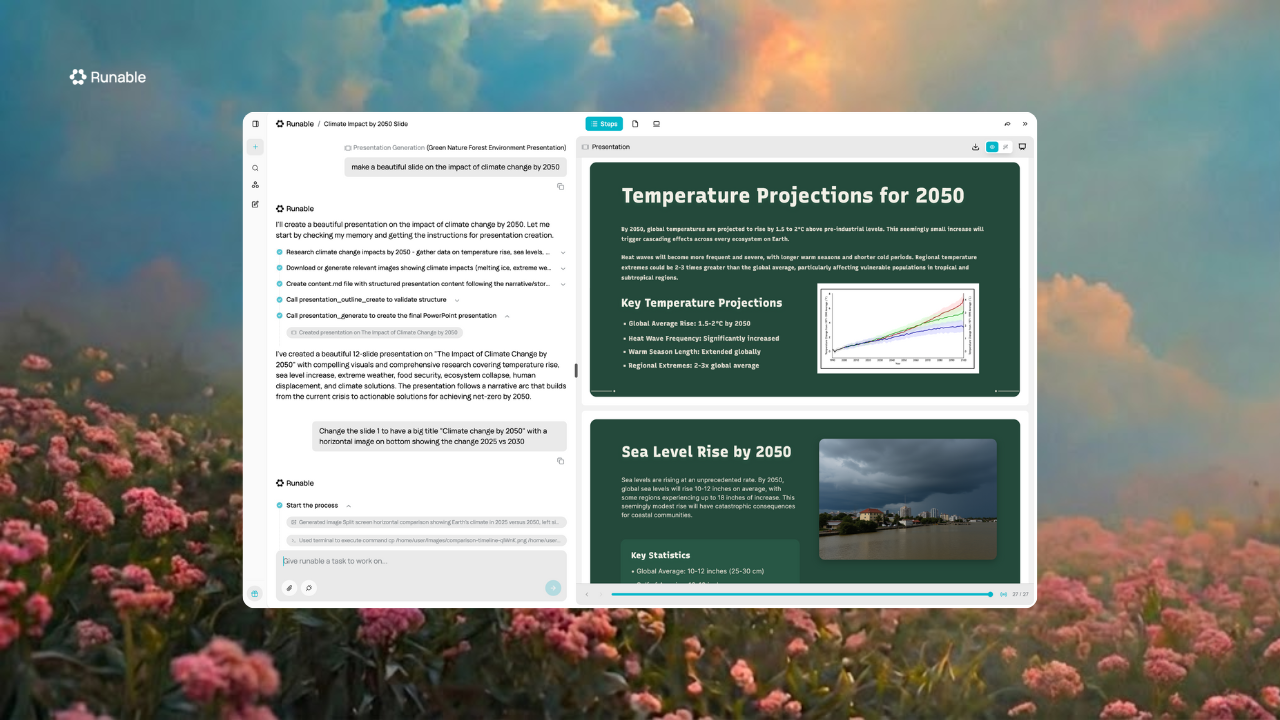
Runable is the strongest pick if you want to type one prompt and get back a complete, researched presentation, not a template with your bullets pasted in. It is a general AI agent, so the deck is just one output: the same brief can become a landing page, a one-pager, or a video.
That matters because presentations rarely exist in a vacuum. You make the deck, then you need a follow-up doc, social content to get people to show up, or a webpage version to share. With single-purpose slide tools, each of those is a separate app and a separate afternoon.
What worked
The workflow is simple: describe what you need, and the agent researches the topic, structures the narrative, and generates the slides with visuals built by Nano Banana Pro, tuned for clean, minimal presentation graphics. There are three ways to work: chat mode for quick tasks, agent mode when you want it to run a bigger project end to end, and canvas mode when you want to build alongside the AI. You can also pick the model that powers it (Claude, GPT, or Gemini) and export finished decks to PowerPoint and Google Slides.
Pricing is straightforward (as of July 2026): free tier, Pro at $20/mo (most popular), and Max at $100/mo for heavy use. Full details on the pricing page.
What didn't
If all you ever need is a basic deck, Runable is more tool than the job requires, and a dedicated slide editor will give you finer pixel-level control over individual layouts. Usage is credit-based, so very heavy generation days can push you toward the Max plan.
Who it's for
Founders, consultants, and marketers who produce content in multiple formats every week. If your workflow currently bounces between a slide tool, a doc editor, a website builder, and a video editor, Runable rolls that into one place.
2. Presentations.ai: The research-powered pitch deck
Presentations.ai is a solid choice for founders who want a polished, data-informed pitch deck from a conversational interface. It positions itself as a ChatGPT for presentations, and the AI-native design mostly backs that up.
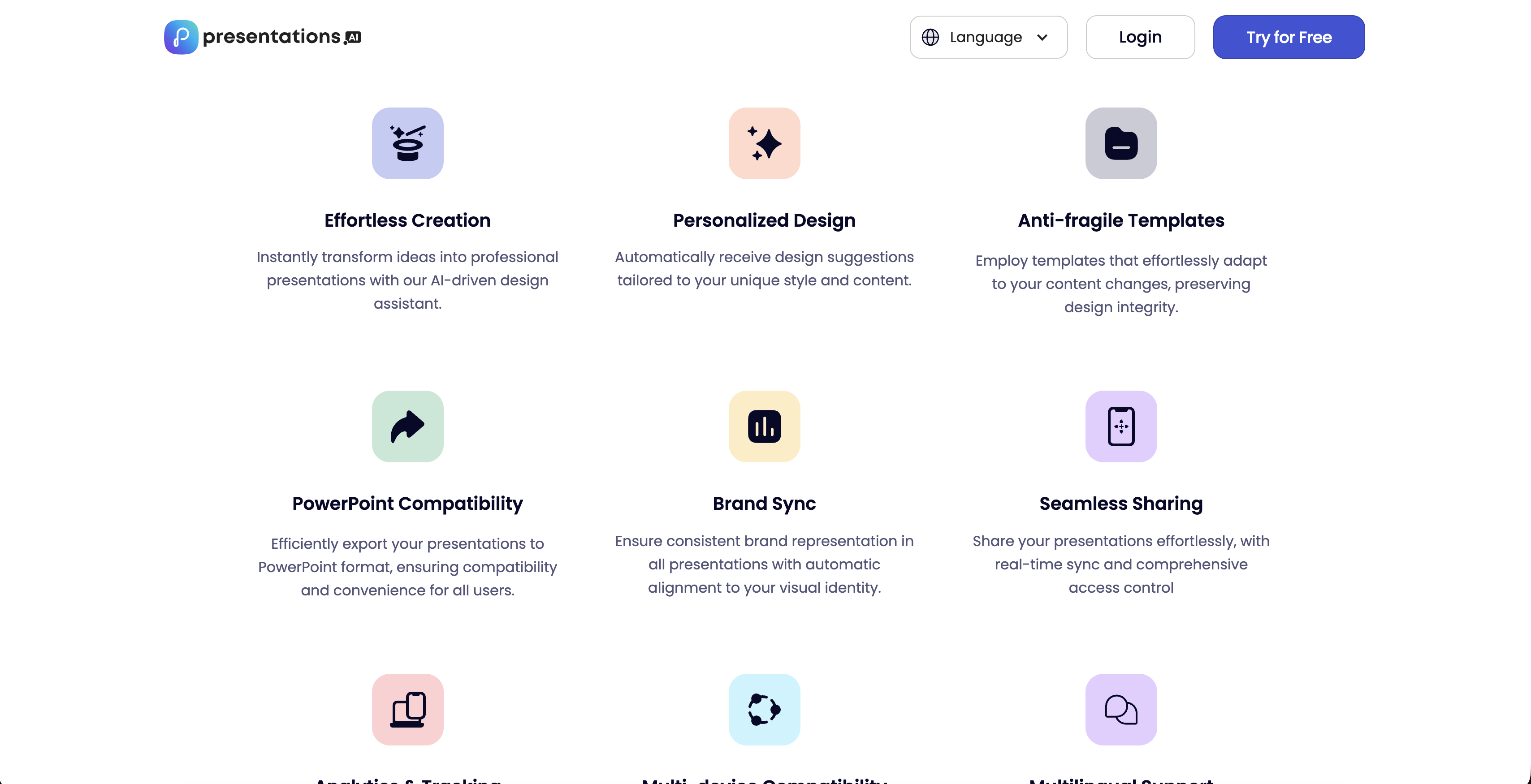
Give it a topic and it digs up supporting data you might not have found yourself. One caution from testing: it sometimes hallucinates figures, so verify any number before it goes in front of investors.
What worked
The conversational flow is genuinely intuitive: chat, describe what you want, and it handles structure and design. Output is polished, with smooth animations and modern layouts, and you can start from a prompt, a template, or pasted content.
What didn't
The free Starter plan is thin: 100 AI credits and a 20-slide cap, though it now includes PowerPoint and PDF export (as of July 2026). Pro is $20/mo billed annually ($240/yr), and the Gold tier with frontier models runs $100/mo billed annually, so the useful tiers require an annual commitment.
Who it's for
Founders and sales teams who need pitch decks that impress and are willing to pay yearly for the full feature set.
3. Manus: For when you need real research
Manus is the pick when the research matters as much as the slides. You hand it a brief, it goes off and investigates the topic autonomously, then builds a deck around actual data.
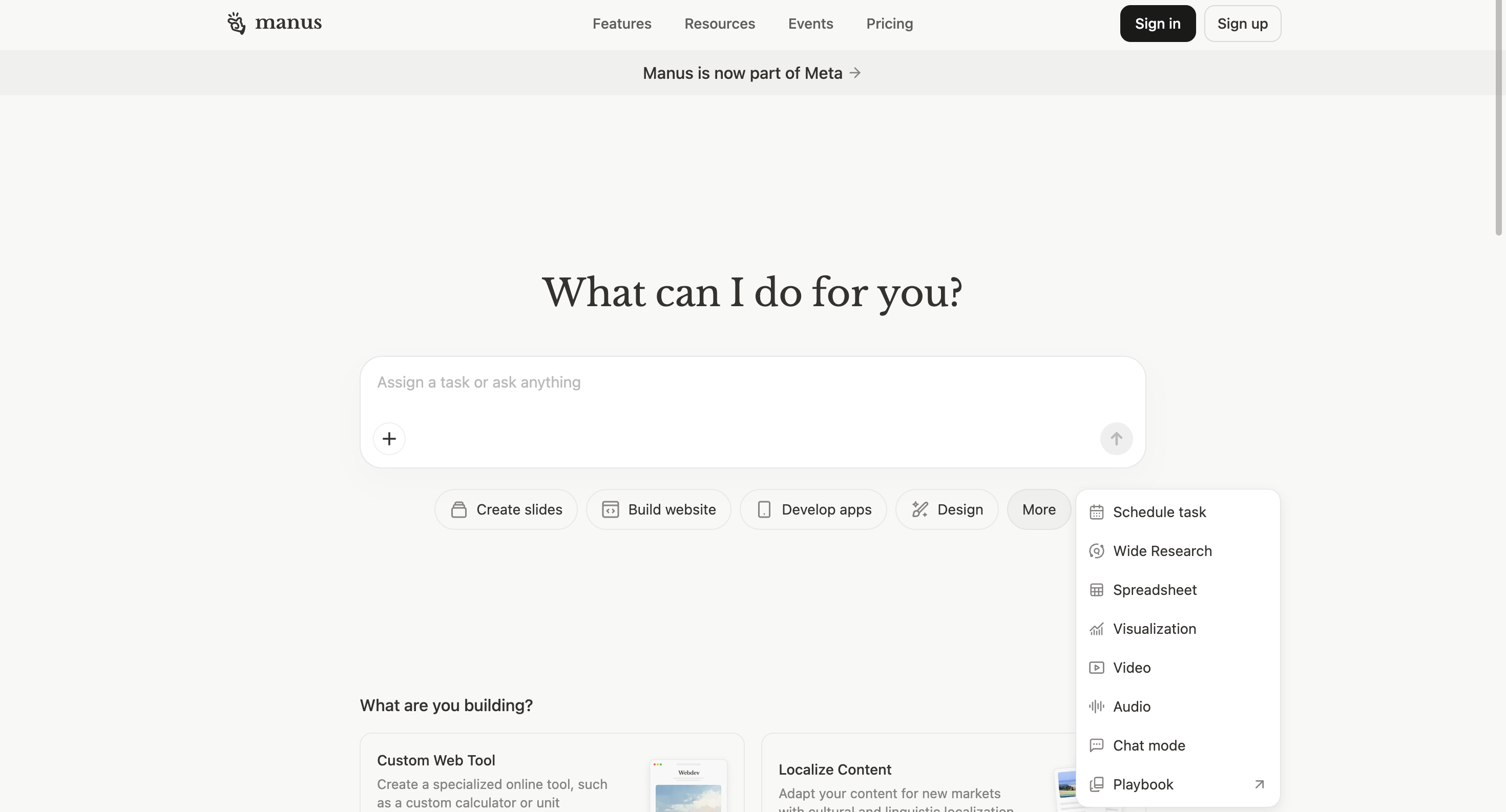
Manus does something interesting compared with template tools: ask for a fintech pitch deck and it will research market size, competitors, and trends before writing a single slide. That saves real time if you were going to do that digging anyway.
What worked
The autonomous workflow is impressive, and the decks come back citing actual numbers rather than filler. The free plan now includes 300 daily refresh credits, which is enough to trial it properly.
What didn't
Paid plans start around $20/mo and the heavier tiers scale to $200/mo (as of July 2026), and credits can burn fast on long research runs. If your content is already written, you are paying for research you do not need, and generation is slower because of the research phase.
Who it's for
Consultants and founders whose decks must cite current data they do not have time to gather themselves.
4. Gamma: The speed demon
Gamma is the fastest way to get from idea to finished deck: under five minutes, and it genuinely looks good. Its presentations are web-native, scrollable cards rather than traditional slides, which feel modern on any device.
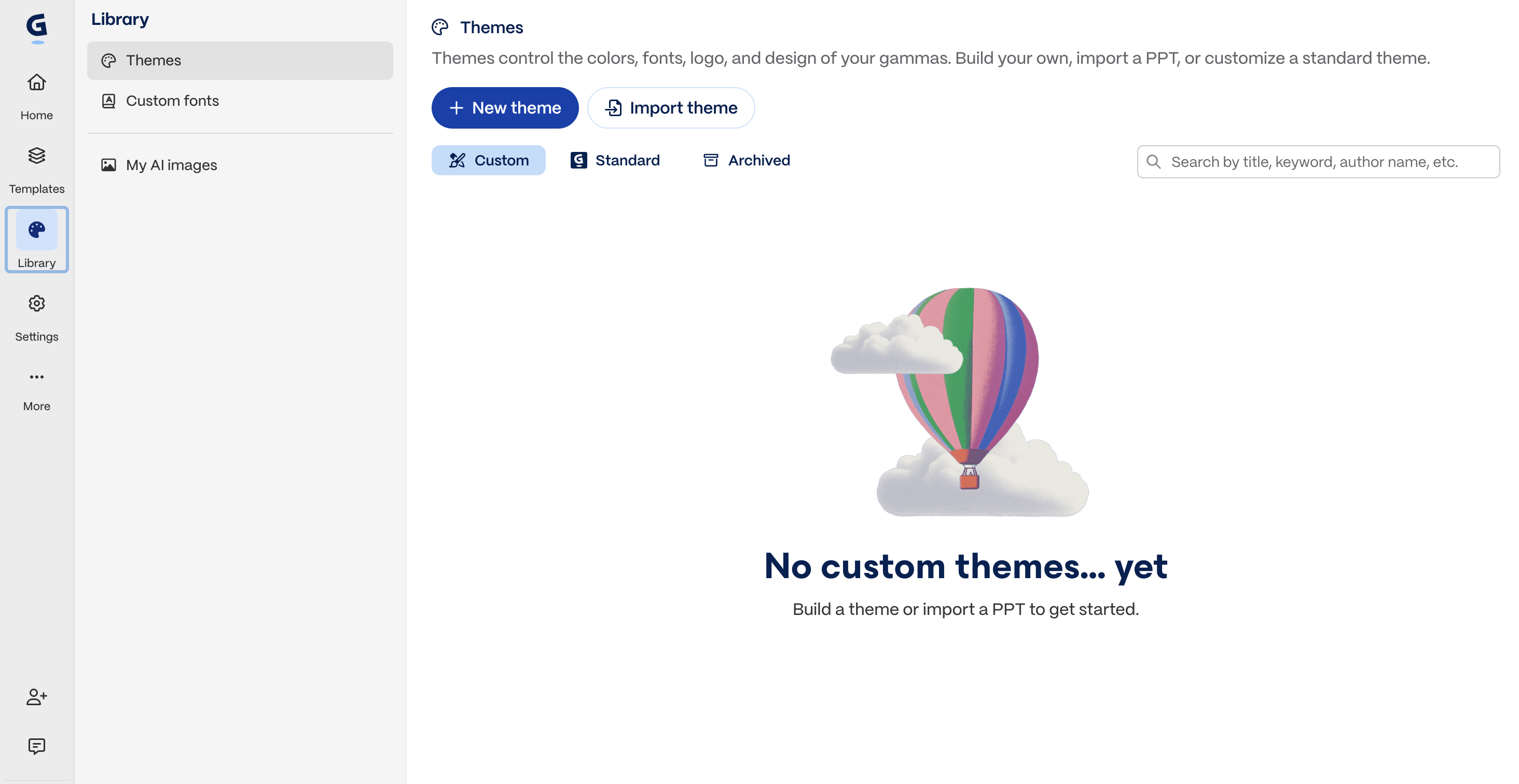
Gamma is the one I reach for when speed beats everything else. Type a prompt, pick a style, done. One-click restyling swaps the entire theme without losing content, and you can embed Figma files, videos, and charts directly.
What worked
Speed, obviously. The output quality-to-effort ratio is the best of any pure slide tool here.
What didn't
The free plan is a one-time 400 credits that never refresh, capped at 10 cards per prompt, so it is a demo more than a tier. Paid runs Plus at $8/user/mo and Pro at $18/user/mo on annual billing, with an Ultra tier at $100/mo (as of July 2026). PowerPoint export can also get messy, with formatting shifting around, and granular design control is limited.
Who it's for
Anyone who values speed over customization: internal decks, startup pitches, anything shared as a link rather than a file.
5. Beautiful.ai: Making ugly slides basically impossible
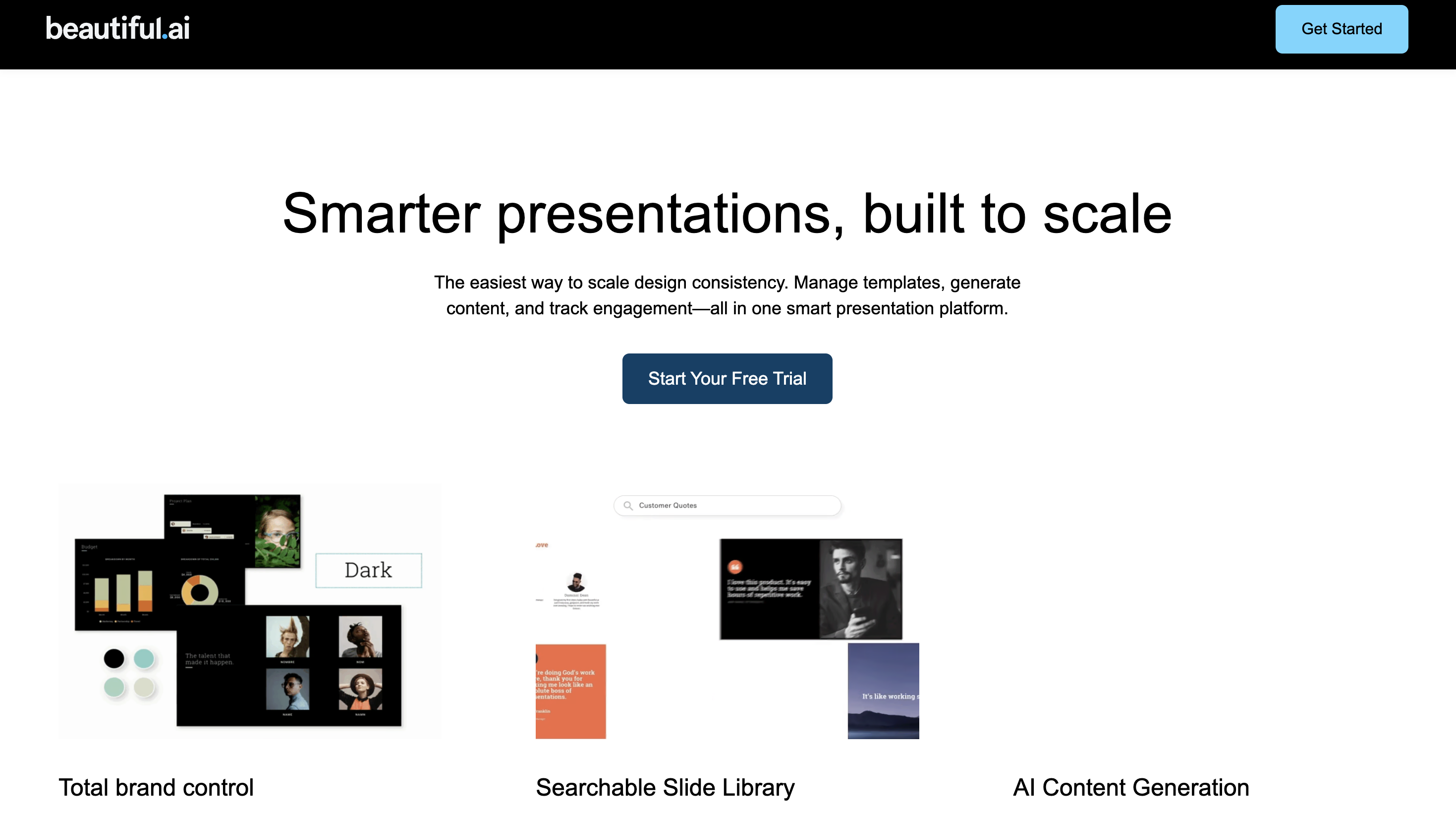
Beautiful.ai is the safest choice for teams that need every deck to look professionally designed, every time. Its Smart Slides auto-adjust layout, spacing, fonts, and colors as you add content, like a designer fixing your mistakes in real time.
What worked
Consistency is remarkable: every slide looks like it belongs to the same deck, even when five different people built it. Brand controls lock in company colors, fonts, and logos so nobody can go off-brand.
What didn't
Those guardrails fight you if you want anything unconventional. And there is no free plan at all: Pro is $12/mo billed annually, Team is $40/user/mo billed annually (as of July 2026), and the 14-day trial requires a credit card that is charged automatically unless you cancel in time. Set a reminder.
Who it's for
Sales teams and corporate comms groups that need consistent, on-brand presentations at scale.
6. Canva: When you want control
Canva is the best option when you want AI to draft the deck but refuse to give up manual control. Magic Design generates a starting point, then you get Canva's full library of templates, photos, and design elements to fix whatever the AI got wrong.
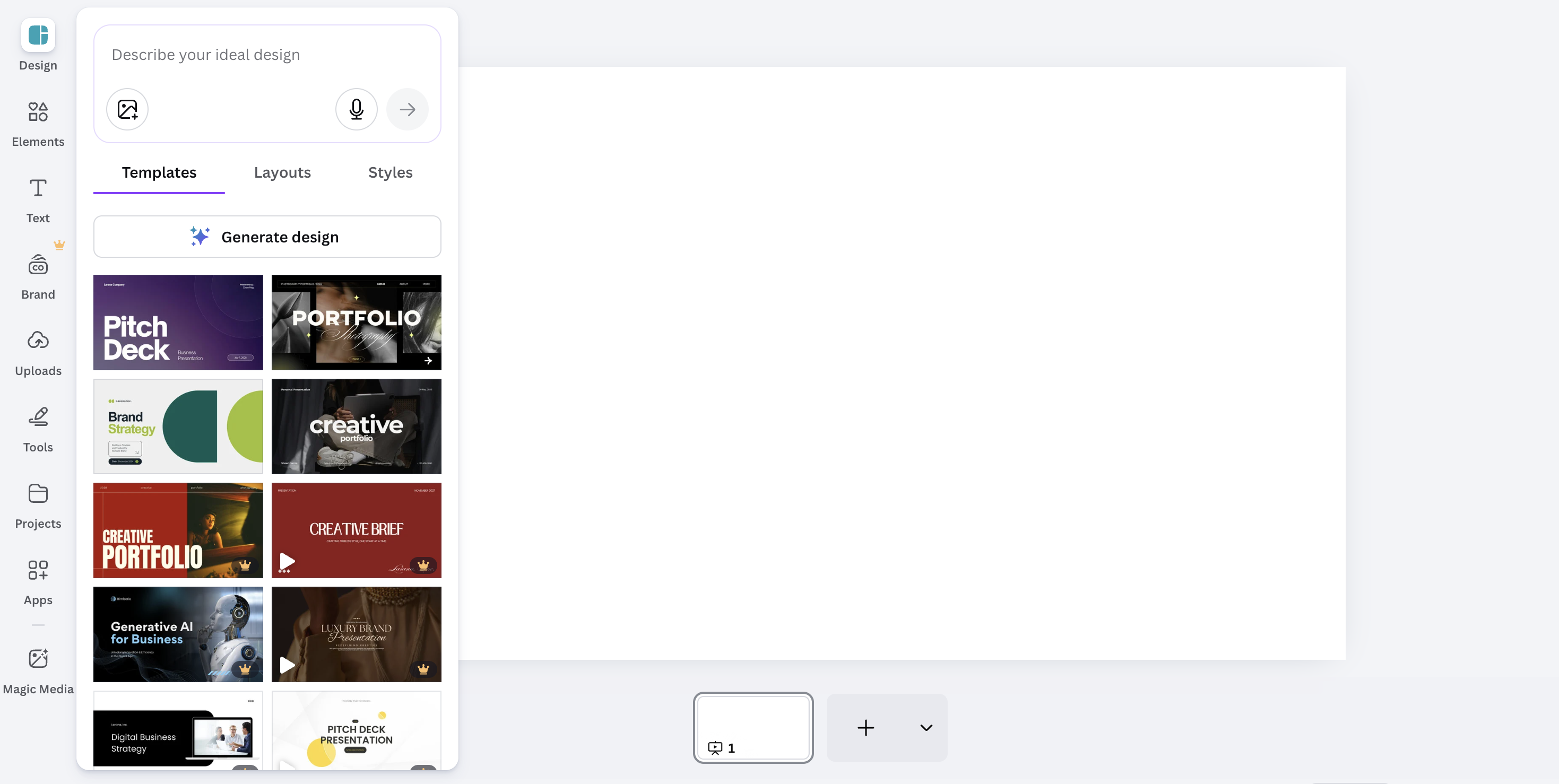
You probably already know Canva. Its free plan is the most genuinely free in this list: no time limit, a massive template library, and real collaboration. Pro is $15/mo, or $120/yr on annual billing (as of July 2026).
What worked
Flexibility is unmatched: AI does the heavy lifting, but you are never stuck with its output. If you already use Canva for other design work, presentations slot right in.
What didn't
AI-generated drafts often need significant hand editing, which eats the time the AI saved. The sheer number of options can also overwhelm you when you just want something simple.
Who it's for
Creators, marketers, educators, and small business owners who already live in Canva and want AI assistance without losing creative control.
7. Plus AI: For the Google Slides and PowerPoint loyalists
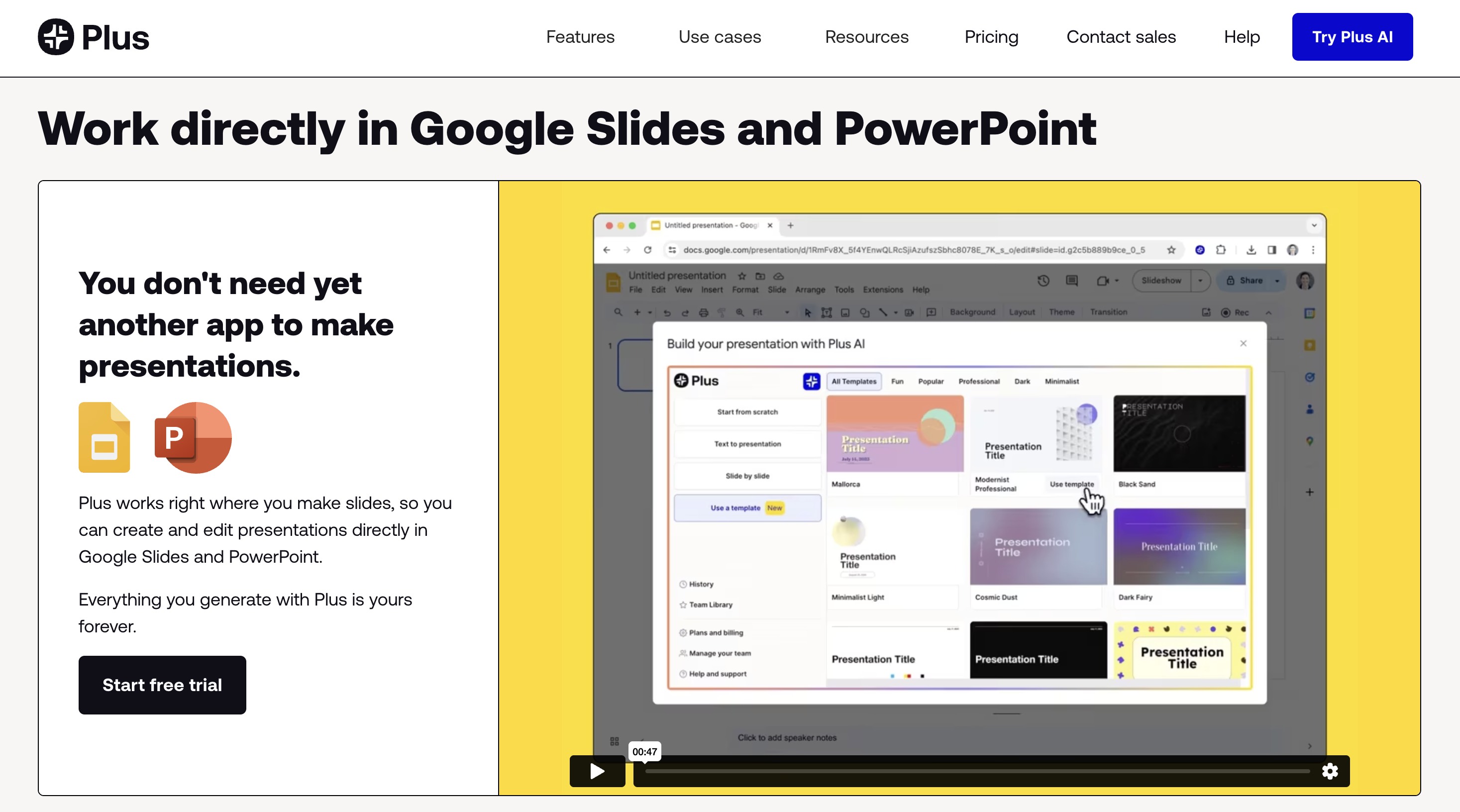
Plus AI is the answer if switching tools is off the table: it works as an add-on inside Google Slides and PowerPoint, so there is no new platform, no export step, and no compatibility issues. Your deck is a native file from the start.
What worked
Document-to-presentation conversion is genuinely useful: upload a PDF or Word doc and Plus AI turns it into slides. You can also feed it your existing company templates and let it populate them, which consultants and analysts will appreciate.
What didn't
There is no free plan, only a 7-day trial. Paid starts at Basic for $10/user/mo billed annually ($15 monthly), with Pro at $20/user/mo annual for document uploads and image generation (as of July 2026). PowerPoint integration is also less smooth than Google Slides, and you are limited to your host tool's design capabilities.
Who it's for
Teams locked into Google Workspace or Microsoft 365 who want AI generation without disrupting their workflow.
8. SlidesAI: The budget pick
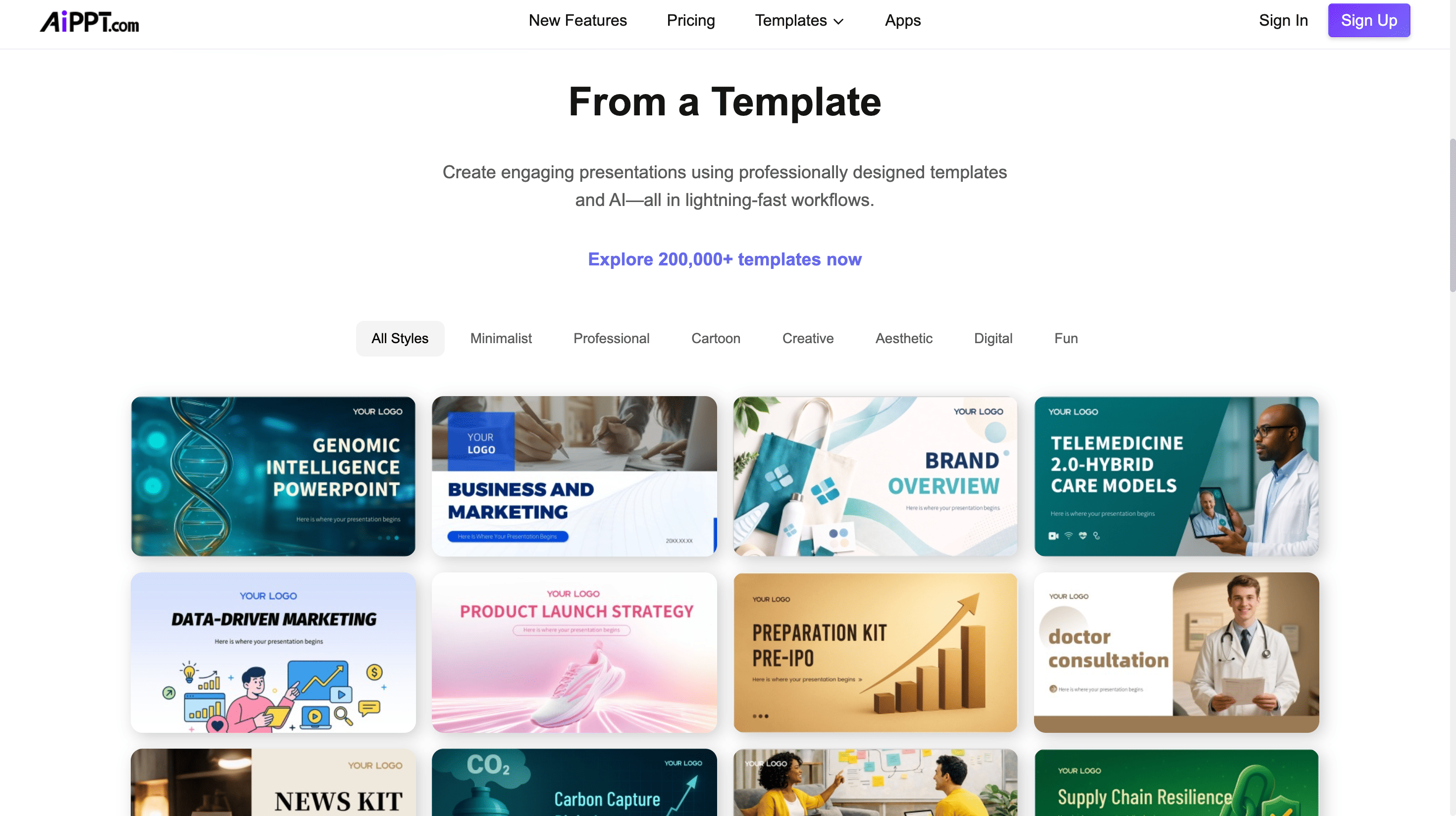
SlidesAI is the cheapest way to turn existing text into a functional Google Slides deck. Paste your notes, pick some preferences, and it produces slides without much fuss or much cost.
What worked
The price and the dead-simple workflow. The free plan is real: 12 presentations per year with a 2,500-character input limit, and Pro is just $10/mo, with Premium at $250/yr (about $20.83/mo) for unlimited decks (as of July 2026).
What didn't
Design quality is basic, it only outputs to Google Slides, and some advertised features have been "coming soon" for a while. This is a utility, not a design tool.
Who it's for
Students, educators, and anyone on a tight budget who needs functional slides from existing text.
Which AI presentation maker should you pick?
The best AI presentation makers in 2026 are Runable for complete researched decks plus surrounding assets from one prompt, Gamma for raw speed, Beautiful.ai for brand consistency, Canva for hands-on control, and Manus for research-heavy briefs, with Presentations.ai, Plus AI, and SlidesAI covering pitch decks, Google Slides workflows, and budget needs. Pricing options range from genuinely free tiers (Runable, Canva, SlidesAI) to entry paid plans between $8 and $20 per month. Runable's pricing (as of July 2026) is a free tier, Pro at $20/mo (most popular), and Max at $100/mo for heavy use.
Match the tool to the job: speed points to Gamma, brand consistency to Beautiful.ai, research-heavy decks to Manus, hands-on control to Canva, and staying inside Google Slides or PowerPoint to Plus AI. If your presentations feed a wider content pipeline, Runable is the only one here that turns the same prompt into slides, a website, a doc, or a video.
A simple decision path:
- One deck, five minutes, share a link: Gamma
- Investor deck backed by fresh research: Manus or Presentations.ai (verify the numbers)
- A team that keeps shipping off-brand slides: Beautiful.ai
- You want AI drafts but final say on every pixel: Canva
- You cannot leave Google Slides or PowerPoint: Plus AI
- Cheapest possible text-to-slides: SlidesAI
- Decks plus everything around them, from one prompt: Runable
Which AI presentation tools get the most traffic in 2026?
By estimated market share of AI presentation software traffic in 2026, Canva holds the dominant position with well over 80 percent of visits across these eight tools, Gamma takes the largest share among AI-native builders at roughly 10 to 15 percent, and Beautiful.ai, Presentations.ai, SlidesAI, Plus AI, Runable, and Manus split the remaining single digits. No independent body publishes audited market share for this category, so these figures are directional estimates from monthly visit data.
Share of traffic and share of revenue also differ. Agent-based tools like Runable and Manus charge $20/mo and up per user and skew toward professional buyers, so their revenue share runs ahead of their visit share, while free-tier-heavy platforms like Canva and SlidesAI convert a small fraction of their enormous audiences.
Canva is by far the most-visited AI presentation tool in 2026, drawing hundreds of millions of monthly visits thanks to its broader design platform, with Gamma the clear leader among AI-native slide tools at tens of millions of visits per month. Beautiful.ai, Presentations.ai, and SlidesAI sit in the next tier, each pulling single-digit millions or less.
Traffic rankings track brand recognition more than output quality, though. Canva's numbers reflect its full design suite, not just presentations, and Gamma's growth comes from viral link-sharing since its decks live as web pages. Newer agent-based tools like Runable and Manus rank lower on raw traffic because they launched more recently and serve a narrower professional audience, yet they produce stronger research-backed decks in our testing.
Popularity is a reasonable signal for template variety and community support: Canva's ecosystem exists because of its scale. But for the actual quality of a generated deck, the traffic leaderboard and the results leaderboard diverge. Gamma earns its traffic with genuine speed, while Canva's AI drafts still need heavy hand editing, and lower-traffic tools like Runable outperform both on one-prompt, research-heavy briefs.
Related Reading
- 7 Best AI Presentation Makers in 2026 (Free & Paid)
- 7 Best Prezi AI Alternatives for Presentations 2026
How do AI presentation maker features compare in 2026?
AI presentation maker features in 2026 split the market into three groups: general AI agents (Runable, Manus) that research topics autonomously and generate full decks plus other formats, AI-native slide builders (Gamma, Presentations.ai, Beautiful.ai) built for fast generation and design polish, and editor-based tools (Canva, Plus AI, SlidesAI) that add AI to a workflow you already use.
Several features remain exclusive to one or two tools. Autonomous topic research belongs to Runable and Manus, so their decks cite real data instead of placeholder text. One-click theme restyling is Gamma's signature, auto-correcting Smart Slides layouts are Beautiful.ai's, and document-to-deck conversion is strongest in Plus AI, which also runs natively inside Google Slides and PowerPoint. Runable is alone in offering model choice (Claude, GPT, or Gemini) and multi-format output, turning one brief into a deck, a webpage, a doc, or a video.
Export and control also diverge. Runable, Presentations.ai, and Gamma all export to PowerPoint, though Gamma's formatting can shift, while SlidesAI outputs only to Google Slides. Canva offers the deepest manual editing of the eight, at the cost of AI drafts that need more hand polishing. Beautiful.ai trades flexibility for consistency, locking layouts to brand rules.
FAQ
What is the best AI presentation maker in 2026?
Runable is the best overall because it generates a complete, researched deck from one prompt and can produce the surrounding assets (websites, docs, video) from the same brief. For pure slide speed, Gamma is the strongest single-purpose tool.
Can AI presentation makers replace a designer?
For everyday business presentations, yes, they get you 80 to 90 percent of the way there. For a make-or-break investor pitch, it is still worth having human eyes on the final deck.
Which AI presentation maker has the best free plan?
Canva's free plan is the most generous with no time limit, and SlidesAI's free tier (12 presentations a year) is genuinely usable for light needs. Runable also has a real free tier, while Gamma's free credits are one-time and Beautiful.ai and Plus AI offer only trials.
Do AI presentation tools export to PowerPoint?
Most do, with varying success. Runable exports directly to PowerPoint and Google Slides, Plus AI works natively inside both, and Gamma's PowerPoint export can shift formatting.
How long does it take to make a deck with AI?
First draft: one to five minutes with most of these tools, longer for research-first tools like Manus. Budget another 10 to 30 minutes of polish, versus the hours a manual build takes.
Try an AI presentation maker that does more than slides
Runable builds your full deck from one prompt, then turns the same brief into the landing page, follow-up doc, or promo video that goes with it. Start on the free tier, and upgrade to Pro at $20/mo when you need more. The quickstart guide gets you from prompt to finished presentation in a few minutes.

