
 Kling AIVideo model
Kling 3.0
Kling AI's video model for directed, multi-shot clips up to 15 seconds, with sound.
Build with Kling 3.0
Each clip is one prompt, run on Kling 3.0 in Runable.
Kling 3.0 on Runable
Direct it shot by shot
Describe several shots in one prompt, up to 15 seconds in all.
Sound on or off
Native audio, or switch it off for silent cuts.
No Kling account
Runs on your Runable credits, next to other video models.
How to use Kling 3.0 on Runable
Select Kling 3.0
Start a task on Runable and pick Kling 3.0 in the model menu.
Describe the shot
Type the scene, or add images and clips for it to follow.
Download the video
Refine by chatting, then download the clip or cut it into an edit.


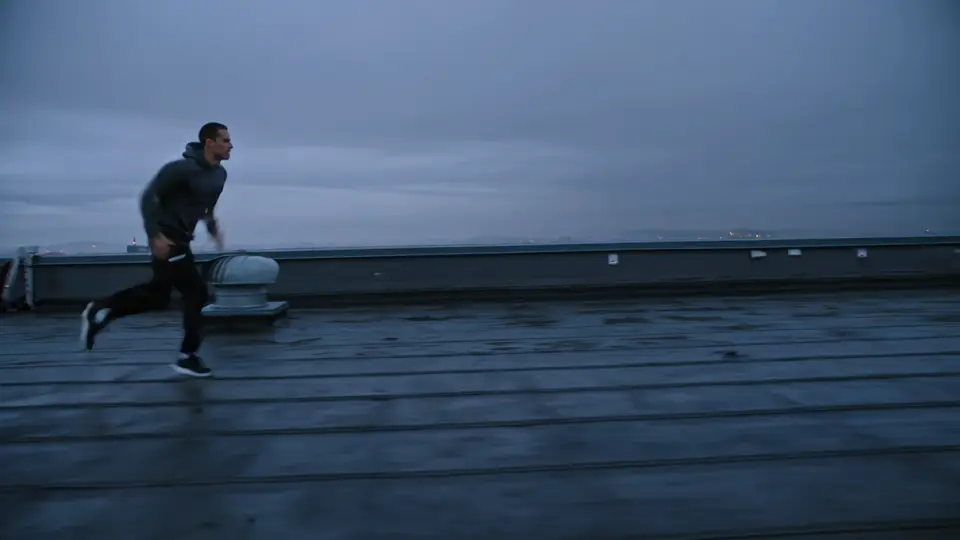
One prompt, finished work
Real results from single Runable tasks. Pick one to watch it.

- longest clip in one pass
- 15s
- output, with optional sound
- 1080p
- Kling AI creators at launch
- 60M+
- turn to build
- Your
Why choose Kling 3.0
Multi-shot prompts
Kling says it follows shot-by-shot directions, like shot-reverse-shot dialogue.
Sound in the same pass
Dialogue, effects and ambience with lip sync, or switch it off.
First and last frames
Animate a start image, with an optional end frame.
Motion control
Transfer the moves in a reference video onto your character.
Readable text
Kling says signs, captions and logos stay sharp as things move.
Three formats
16:9, 9:16 and 1:1, from widescreen to Reels.
Kling 3.0 specs
- Maker
- Kling AI (Kuaishou)
- Released
- February 5, 2026
- Version on Runable
- Kling 3.0 Pro
- Clip length
- 3 to 15 seconds in one pass
- Resolution
- Up to 1080p, set by the model
- Aspect ratios
- 16:9, 9:16, 1:1; image-to-video follows your image
- Inputs
- Text, a start frame with an optional end frame, or an image plus a motion video
- Audio
- Optional, with English or Chinese speech
Kling 3.0 vs O3 vs 4.0
Kling 3.0 and O3 launched together in February 2026. Kling 4.0 followed in October with clips twice as long. Figures are from Kling AI and fal.
| Model | Best for | Clip length | Released |
|---|---|---|---|
| Kling 3.0 | Prompt-driven, multi-shot clips | 3–15 s | Feb 2026 |
| Kling O3 | Reference images and video edits | 3–15 s | Feb 2026 |
| Kling 4.0 | Long, controlled cinematic shots | 3–30 s | Oct 2026 |
The only AI agent you need
Need SSO, data localization, premium support, onboarding assistance? Contact Sales







Put Kling 3.0 to work
Describe the job. Runable runs it on Kling 3.0 and ships the result.