Publish on your domain
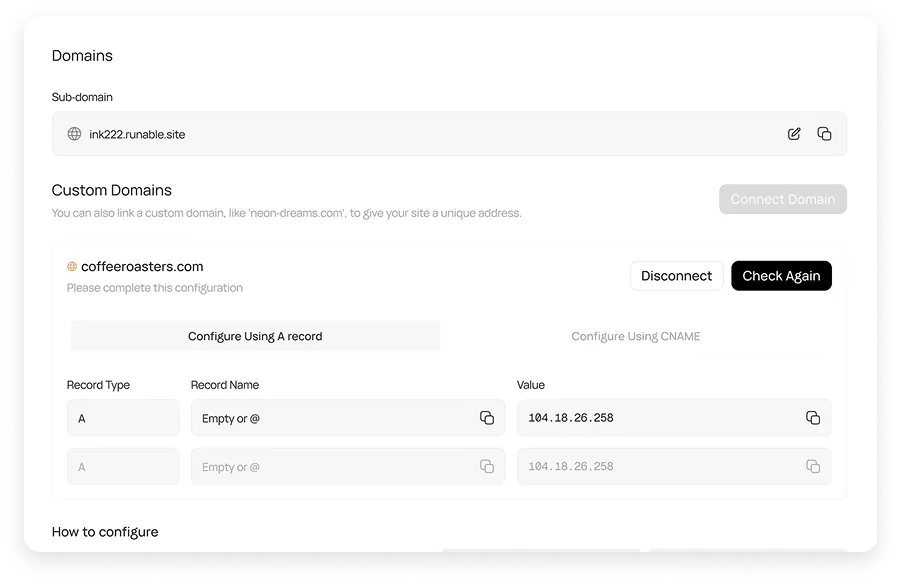
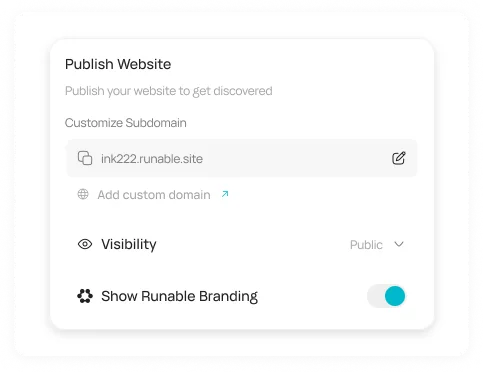
Go live on a free runable.site address, connect a domain you own or buy one in Runable, with SSL handled for you.
Launch a landing page with copy, images and a signup form, ready to publish on your domain.
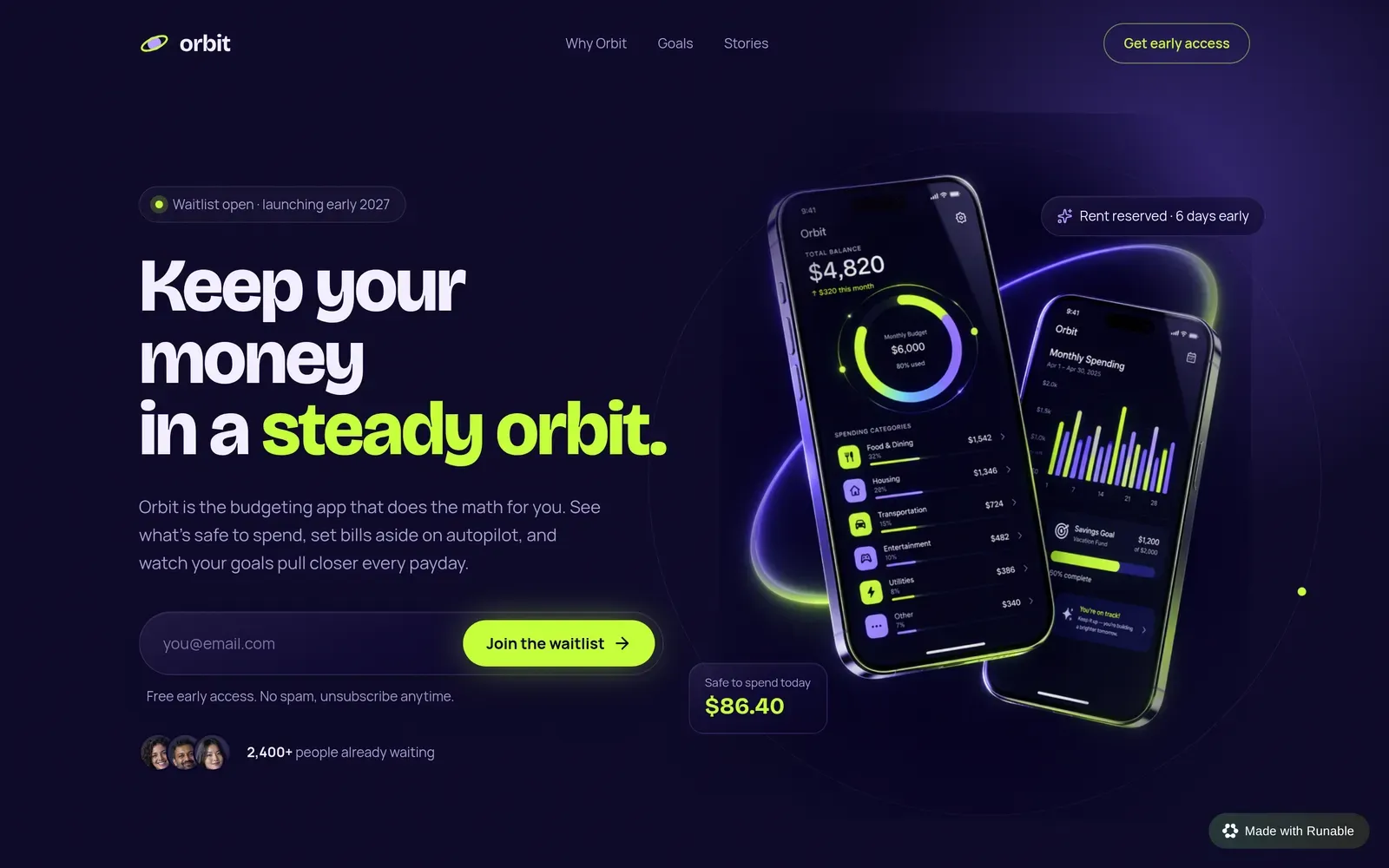
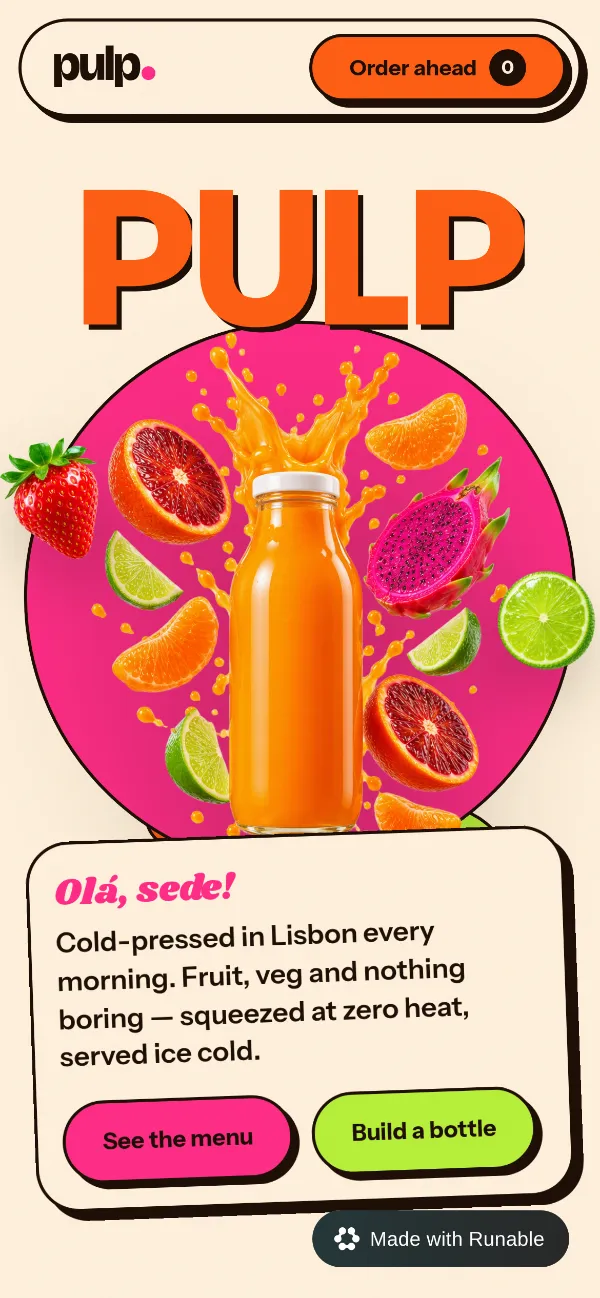
Real pages Runable built from one prompt each. Hover to see the prompt behind each one.
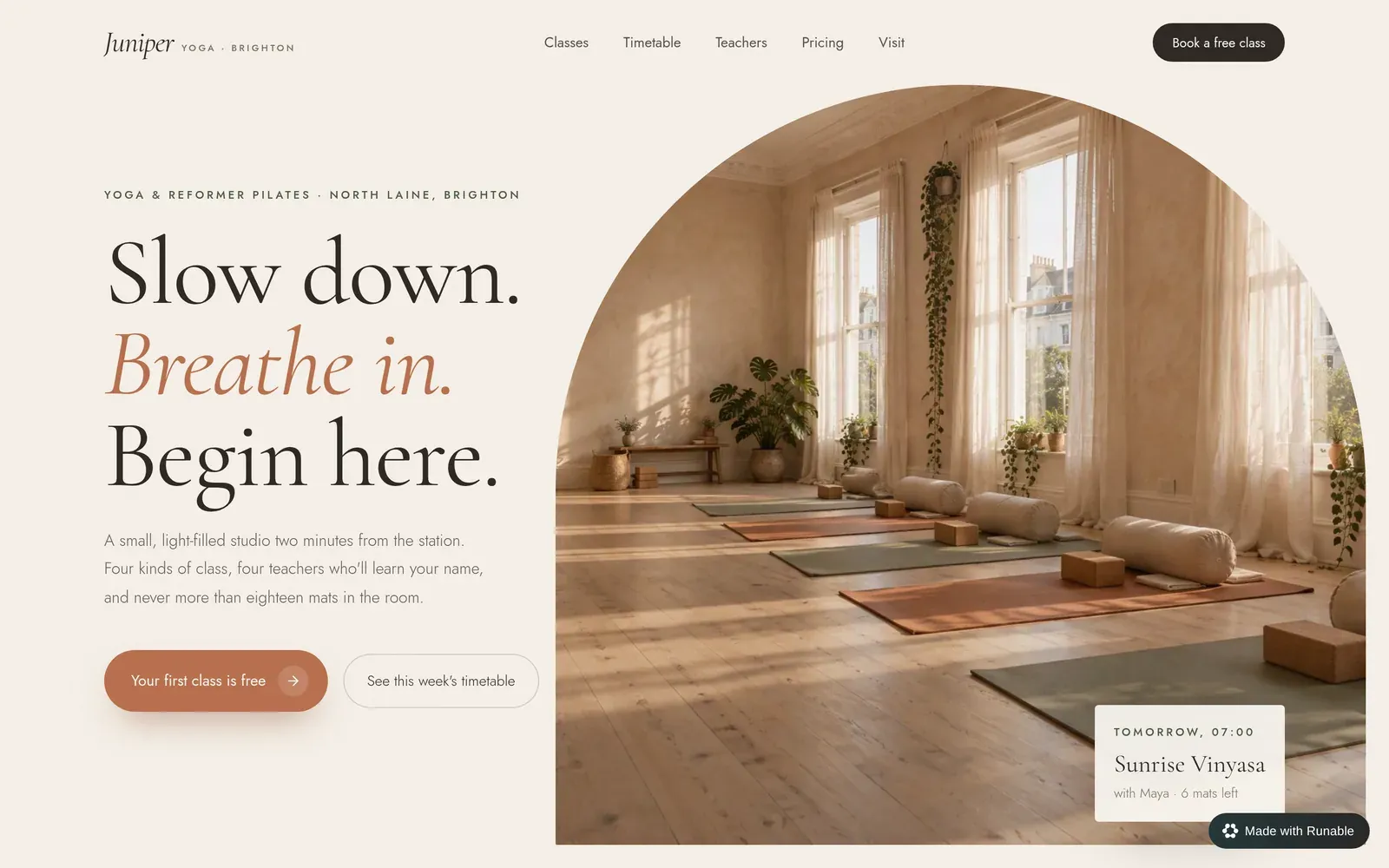



Runable writes the headline, the copy and the call to action, designs the page around your offer and puts it live, ready for your ads and posts.
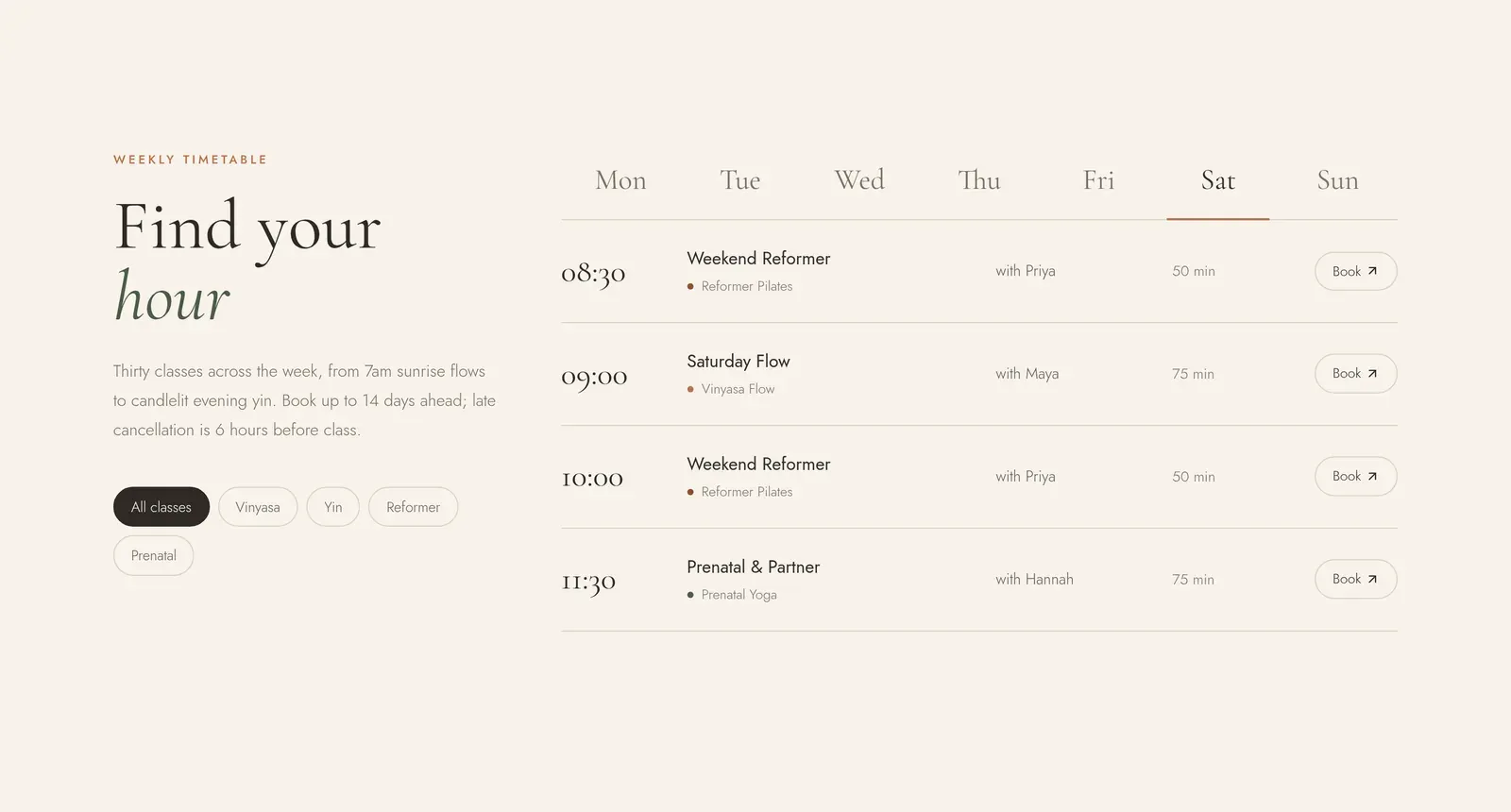 Timetable section
Tell Runable what you’re launching and who it’s for. It writes a clear headline, benefits, social proof sections and a call to action that fit the offer.
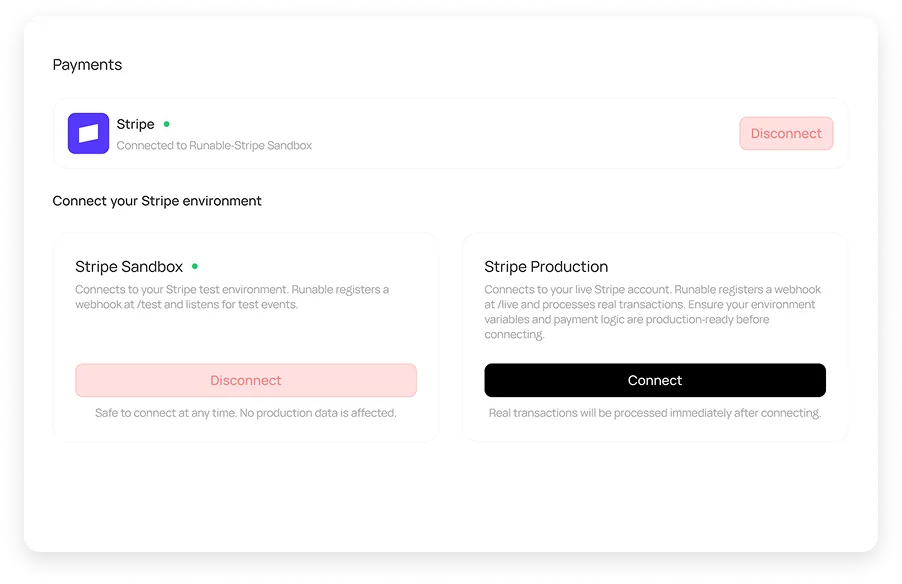
Add a signup form, an RSVP or a checkout and Runable wires it up. Every entry is saved to the page’s own database, and payments run through Stripe.
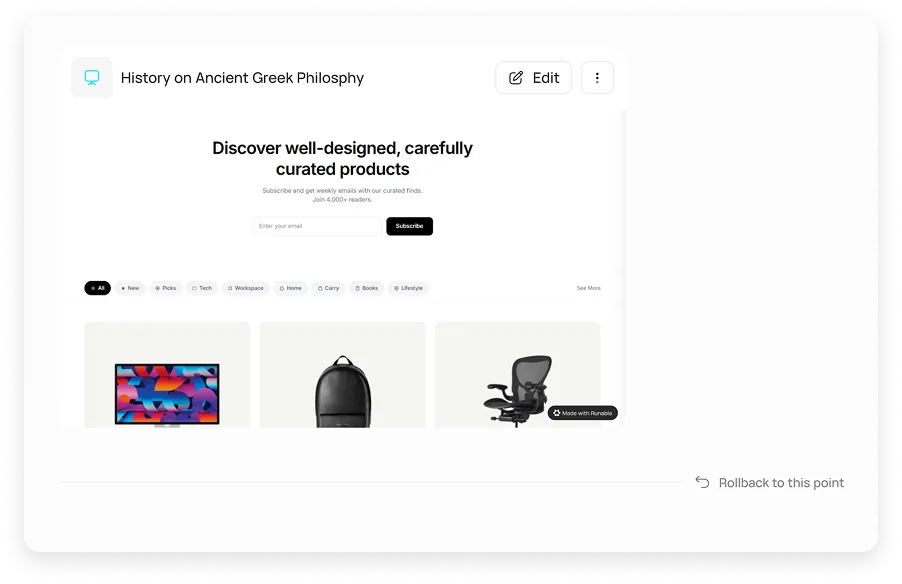
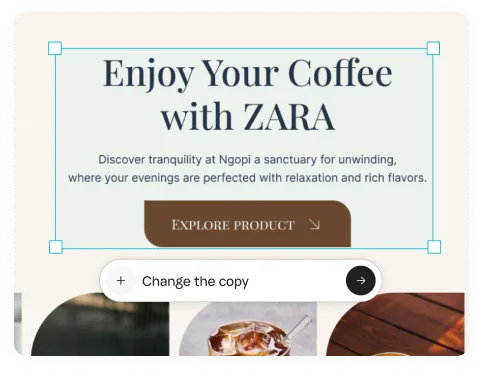
Click any headline or section and say what to change, or ask in chat. Every version is saved, so you can try a new angle and roll back if the old one worked better.
Go live on a free runable.site address, connect a domain you own or buy one in Runable, with SSL handled for you.
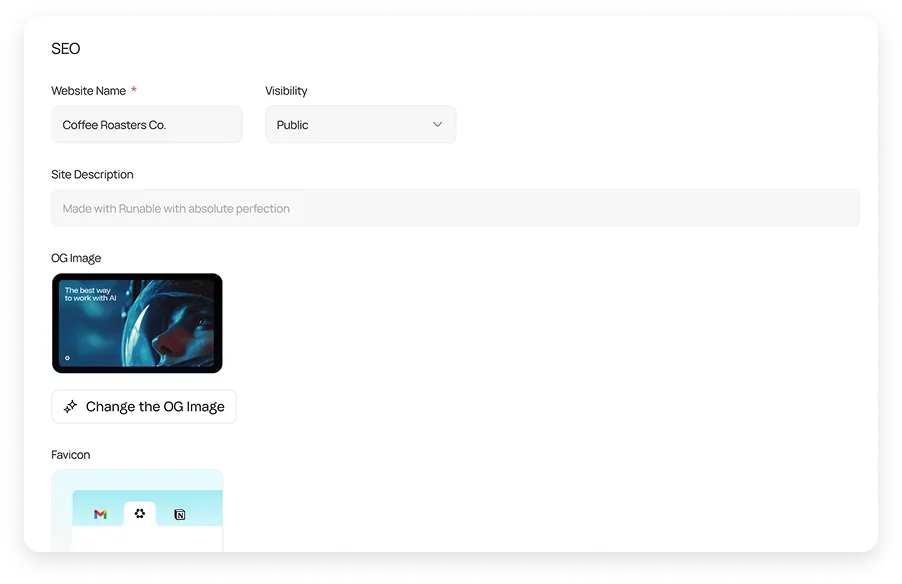
Set the title, description and social image so your page looks right in search results and when it’s shared.
Make the Google ads, social posts and video for the launch in the same chat.
See visits on every published page without adding a script.
Check the page on a phone and ask Runable to tighten anything that feels off.
Download the page, open it in VS Code or push it to GitHub.
Say what you’re launching, who it’s for and what visitors should do: sign up, book or buy.
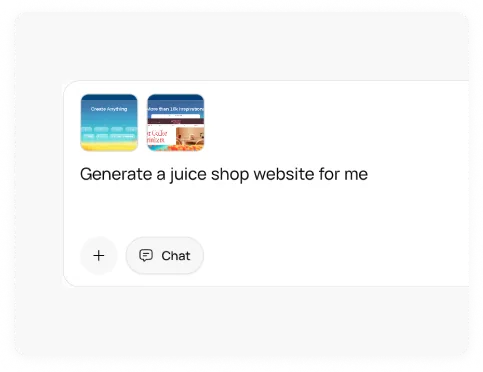
Runable proposes a design. Ask for a different layout, mood or section order until it fits.
Go live on a free runable.site address or your own domain, then share the link in your ads and posts.
Start from a blank prompt or pick a workflow that does the groundwork first.
Plan the page and design with Runable step by step, then deploy.
Open workflowA landing page with an RSVP form, an admin view and email templates.
Open workflowGet a full marketing audit of any page, with fixes to make.
Open workflowFind the searches your page should answer and the gaps to win.
Open workflowAn annotated look at competitor pages, CTAs and positioning.
Open workflowProduct shots in new lights, angles and settings for the page.
Open workflowTurn your signups into readers with a newsletter from your links.
Open workflowSee how a competitor prices and positions the same offer.
Open workflowAd clicks and social traffic land on phones. Preview the page at phone size and ask Runable to tighten anything before you send traffic to it.
Need SSO, data localization, premium support, onboarding assistance? Contact Sales
Describe the offer. Runable writes the page, builds it and puts it live.