Kling 3.0 is Live on Runable
Kling 3.0 Launches on Runable: What’s New and How to Use It
We’re pleased to announce the release of Kling 3.0 , now available on Runable from day zero .
Kling 3.0 Launches on Runable: What's New and How to Use It Kling 3.0 just launched on Runable. Learn what's new, how to access it, and step-by-step how to create professional AI videos with multi-shot sequences, native audio, and physics simulation.
Kling 3.0 represents a fundamental shift in AI video creation. Rather than generating isolated clips, this new generation stack enables structured storytelling with multi-shot sequences, native audio integration, and physics simulation.
This guide walks you through everything new in Kling 3.0 and how to use it on Runable starting today.
Kling 3.0 Key Strengths
With Kling 3.0, Kling supports:
- Character consistency
- Voice binding, which means that characters can maintain consistent voices across generations
- Up to six shots , each with its own prompt and duration, with total clip lengths of up to 15 seconds.
- Reference conditioning, including support for video references
This is a major shift: instead of describing an entire scene in one paragraph, you can now direct it shot-by-shot.
Model Improvements
Kling 3.0 introduces qualitative upgrades that go beyond higher resolution or longer clips. The focus is on making generated video feel more believable, more directed, and more usable in real creative workflows. Acting, voice, motion, and editing all show clear improvements.
Realistic Acting
One of the most noticeable upgrades is character performance. Facial motion feels more natural, dialogue pacing is better timed, and gestures are more convincing. Instead of stiff or robotic movement, characters show subtle expressions, smoother body language, and stronger continuity across shots.
Kling 3.0 Advanced Voice Control
Voice-to-character alignment is significantly improved. Tonality is more consistent, dialogue speed feels natural, and spoken lines feel grounded in the scene. Character-driven clips now feel closer to real video, especially in dialogue-heavy scenarios where facial performance and voice delivery must align.
Kling 3.0 Motion Control
Fast motion has historically been difficult for generative video, often introducing warping or artifacts. Kling 3.0 delivers cleaner results even in scenes with rapid movement, action, or dynamic camera shifts.
Kling 3.0 Video Editing
Kling 3.0 also expands editing-focused generation inside Runable . With stronger reference video support, creators can change backgrounds, modify clothing, insert or remove people, and reshape scenes while preserving structure. This unlocks workflows like AI-assisted post-production and remixing existing footage into new cinematic variations.
Kling 3.0 Image Generation & Editing
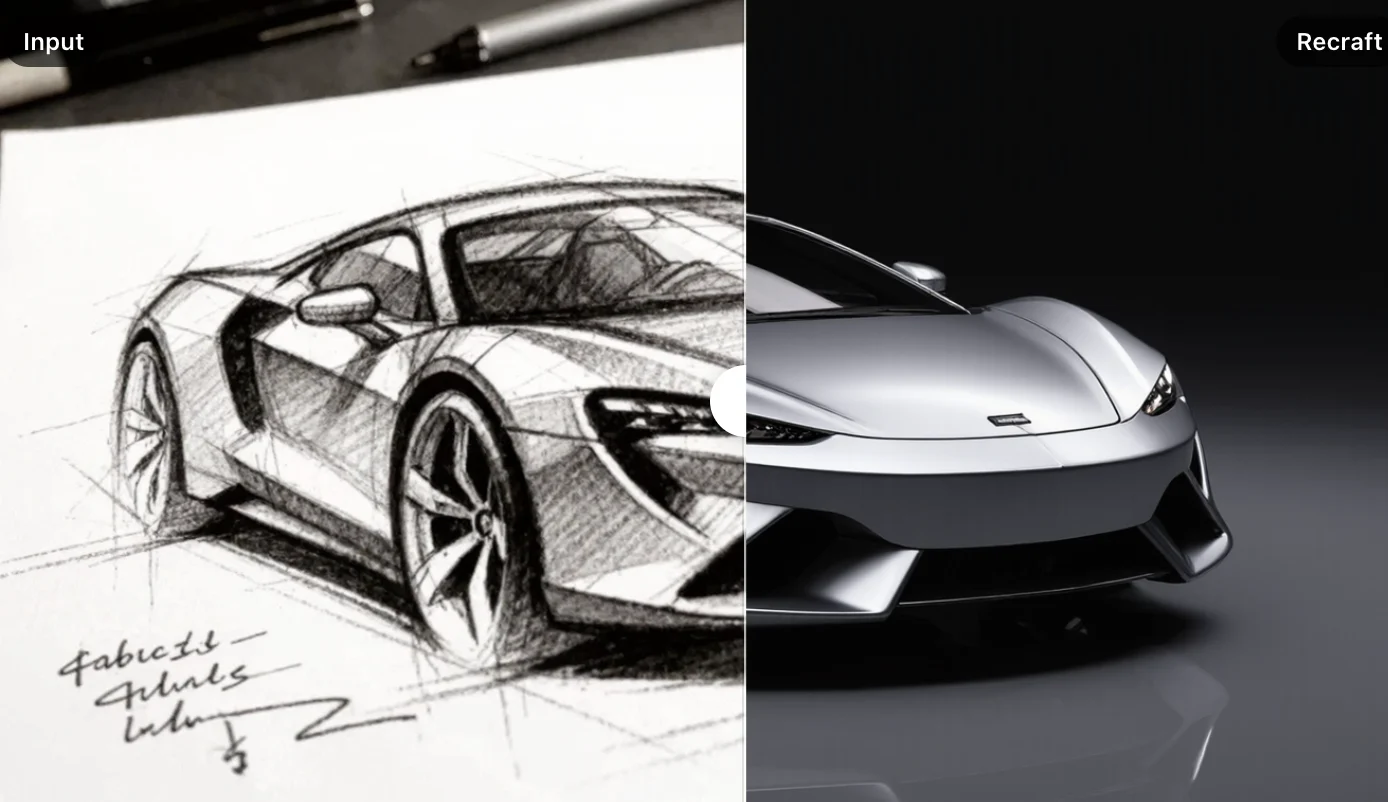
Kling 3.0 also brings meaningful upgrades on the image side with Kling Image 3.0 The new image models support sharper outputs up to 4K resolution , stronger prompt adherence, and improved consistency when working with faces or reusable elements. Alongside text-to-image, Kling Image 3.0 enables more powerful image-to-image editing workflows, making it easier to refine style, modify subjects, or generate coherent visual series that pair naturally with Kling’s video storytelling stack.
Getting Started Today
Sign up for Runable at runable.com if you haven't already. Select the Max plan ($32/month) for best access to Kling 3.0's premium features and fastest generation speeds, though all plans include Kling 3.0 from day one. Navigate to AI Videos, select your first prompt, and generate your initial shot. Build out your multi-shot sequence, add audio, refine with in-video editing, and export.