Introducing: AI Canvas
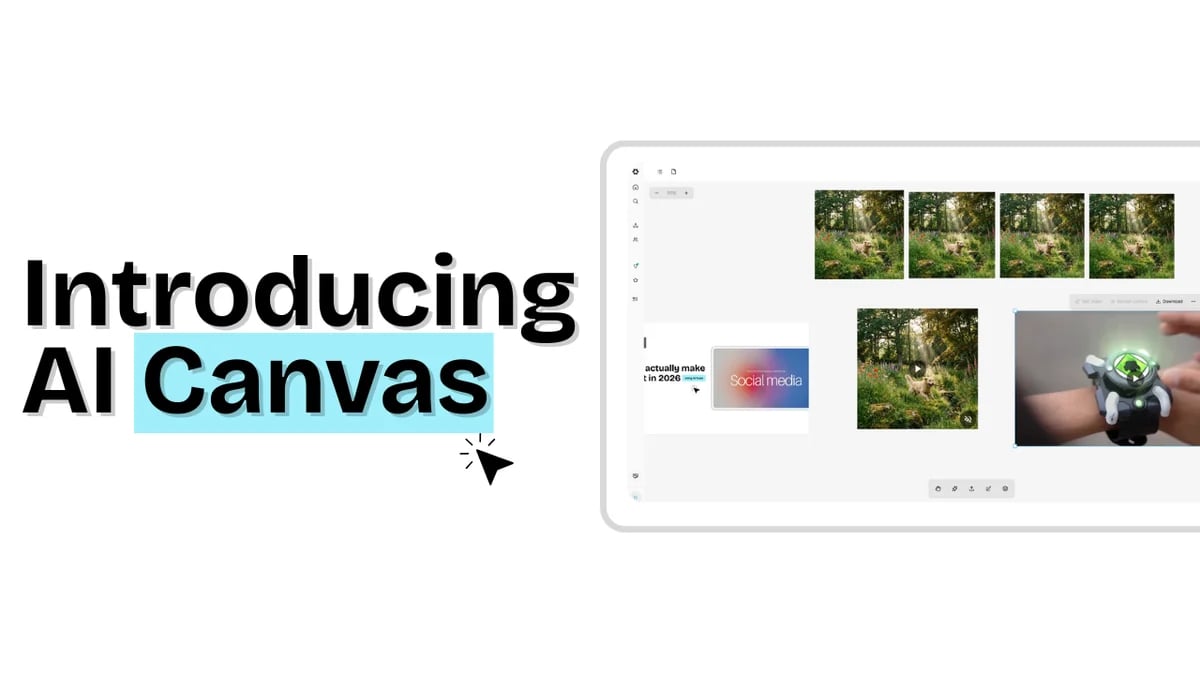
Introducing AI Canvas: Your Creative Command Center
TL;DR
We've been working on something that we think is going to completely change how you create visual content with AI .
Meet AI Canvas a dedicated workspace where you can generate, edit, refine, and ship images and videos without constantly switching between tools or losing your work in endless chat threads.
AI Canvas brings generation, editing, iteration, and export into one visual workspace. Instead of jumping between chat tools, editors, folders, and timelines, everything happens on a single canvas.
You generate images and videos, refine specific details without starting over, organize variations visually, and ship final assets without losing context.
Why AI Canvas exists
For years, the creative workflow has been awkward in the same way.
- You generate an image in one tool.
- Edit it in another.
- Create a video somewhere else.
- Export files. Rename them. Upload them. Lose track of versions.
AI made generation easier, but it did not fix the workflow. In many cases, it made it worse.
Chat-based tools are fast, but they scatter your work across conversations.
Design tools are powerful, but they assume you want to manually assemble everything.
AI Canvas was built to solve a simple problem:
Why should creators spend more time managing tools than creating content ?
Instead of treating each generation as a one-off transaction, AI Canvas treats creation as a continuous visual process.
Your ideas land on a canvas. They evolve there. They stay there until you ship.
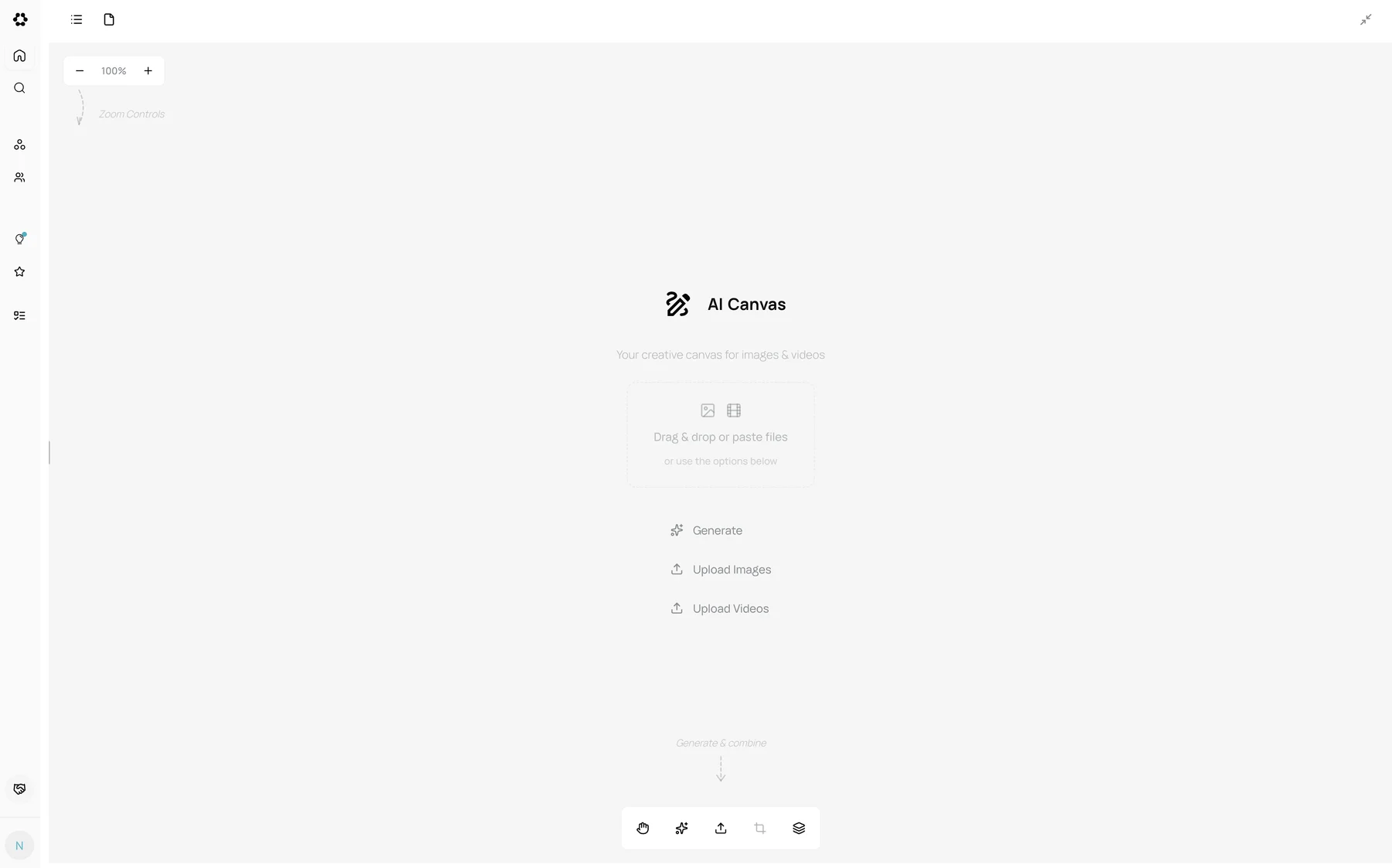
One workspace for everything you create
AI Canvas is not limited to a single content type. It is designed to handle the full visual workflow.
You can generate high-quality images , refine them , and apply consistent styles across variations. You can turn still images into videos , sequence frames on a timeline , and export motion content without opening a video editor. You can group related visuals into carousels for social posts or storytelling and manage them as one unit.
Everything stays on the canvas , organized visually instead of buried in folders.
This matters because real creative work is rarely linear. You try things. You compare options. You go back and adjust details. AI Canvas is built for that reality.
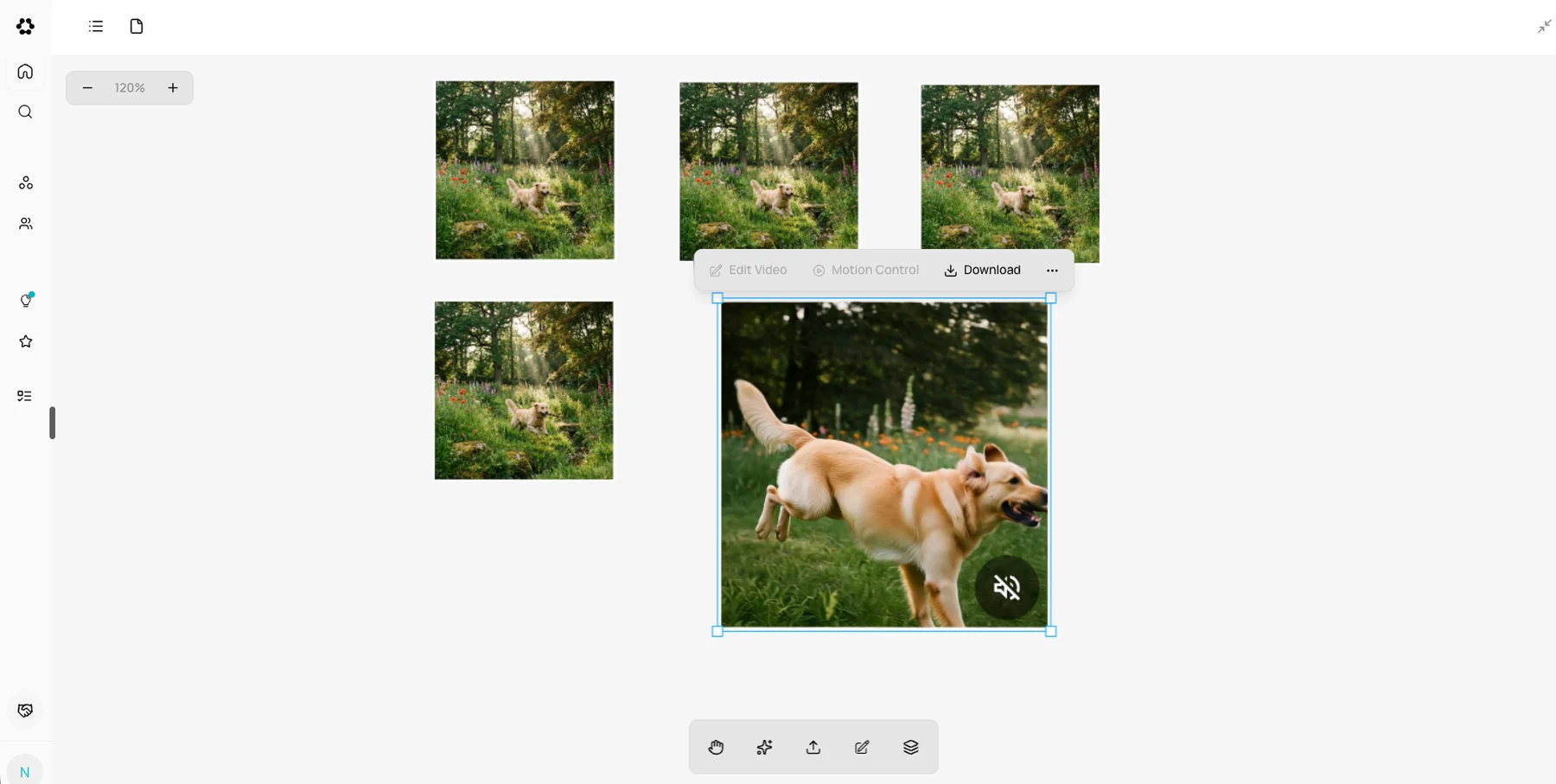
Working modes that match how creators think
AI Canvas adapts based on what you are doing, without forcing you to learn complex tools.
The default mode is your main workspace . You drag assets around, resize them, select multiple items, and organize your work naturally.
It behaves like tools designers already understand, without requiring design skills.
Text Edit mode lets you change text inside images directly. If a generated image contains a typo or the wrong product name, you click the text and fix it. No re-generation, no Photoshop.
Combine mode introduces a timeline. You drag images into sequence, control how long each frame appears, and export a video. It is the simplest way to turn stills into motion.
Hand mode exists for large canvases. When your workspace fills up, you pan freely without accidentally selecting anything.
These modes are not separate tools. They are ways of working within the same space.
Mark Edit: fixing one thing without breaking everything
Mark Edit is the feature that changes how iteration feels.
Normally, AI image editing forces you into extremes. Either you regenerate the entire image and hope it improves, or you learn complex masking workflows .
Mark Edit does neither.
- You select an image.
- You mark the exact areas you want to change.
- You describe what should happen in each marked region.
- Everything else stays the same.
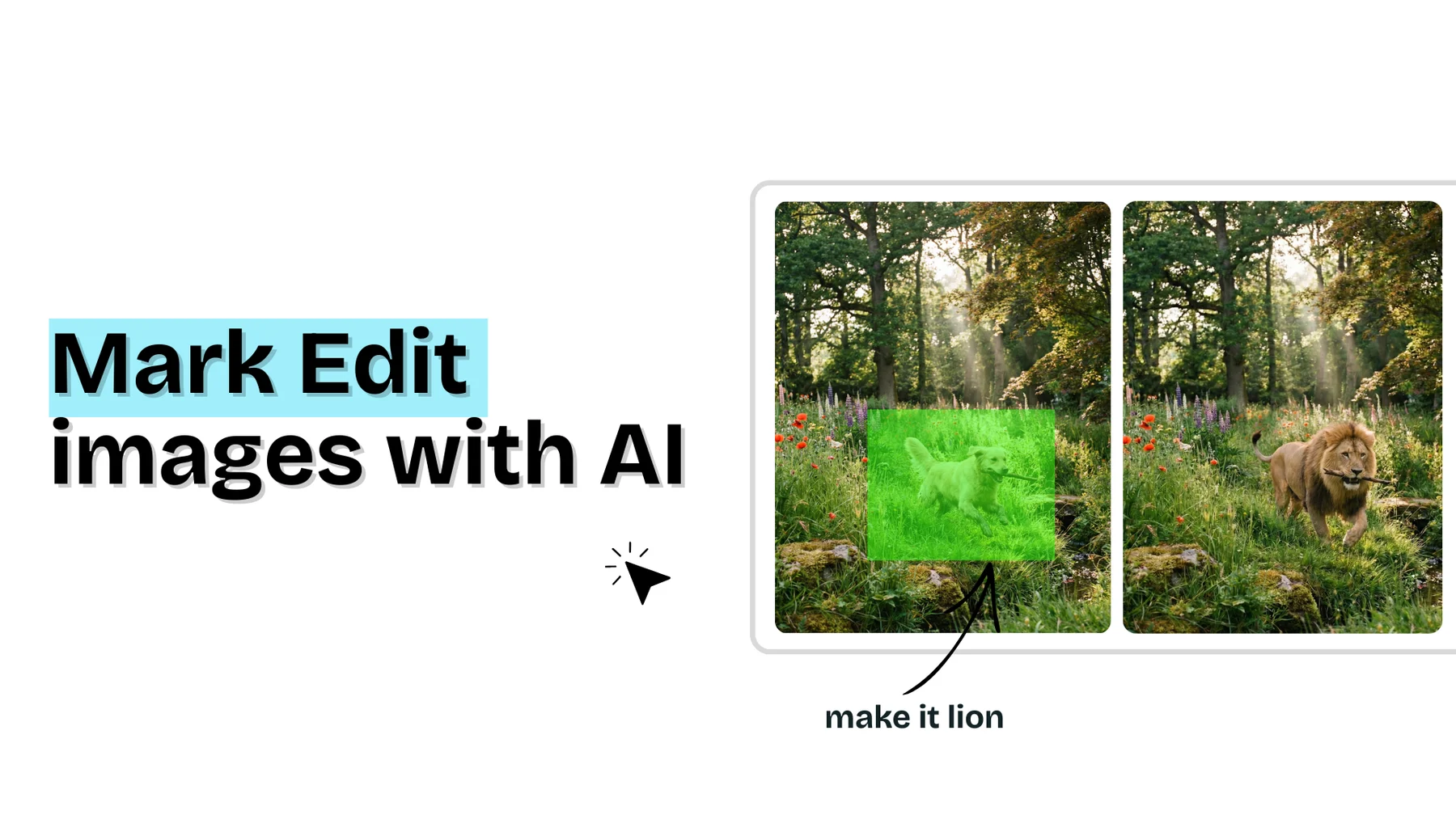
You can c hange an object, adjust clothing, modify lighting , or replace a background detail without touching the rest of the image.
You can attach reference images if you want more control. The AI applies all edits in one pass, then removes the marks automatically.
This turns editing from a gamble into a controlled action. Small changes stay small. Big changes are intentional.
Generating and refining without starting over
Creation usually starts in the Generate tab.
You can generate images from text prompts , choose your model , select aspect ratios , and create multiple variations at once.
Instead of picking one and discarding the rest, you bring all of them onto the canvas and compare them visually.
If you already have images, you can refine them. Select multiple assets, add a refinement prompt, and apply changes across all of them. This is useful for enforcing consistency or exploring creative directions without resetting everything.
Generation becomes the first step, not the last.
Editing that feels practical, not technical
The Image Edit tools focus on real creative needs.
- You can refine images using style prompts or templates.
- Apply AI effects that go beyond filters.
- Replace or remove backgrounds cleanly.
- Use virtual try-on to realistically fit garments onto people.
- Upscale images without losing quality.
- Expand images beyond their original boundaries using outpainting .
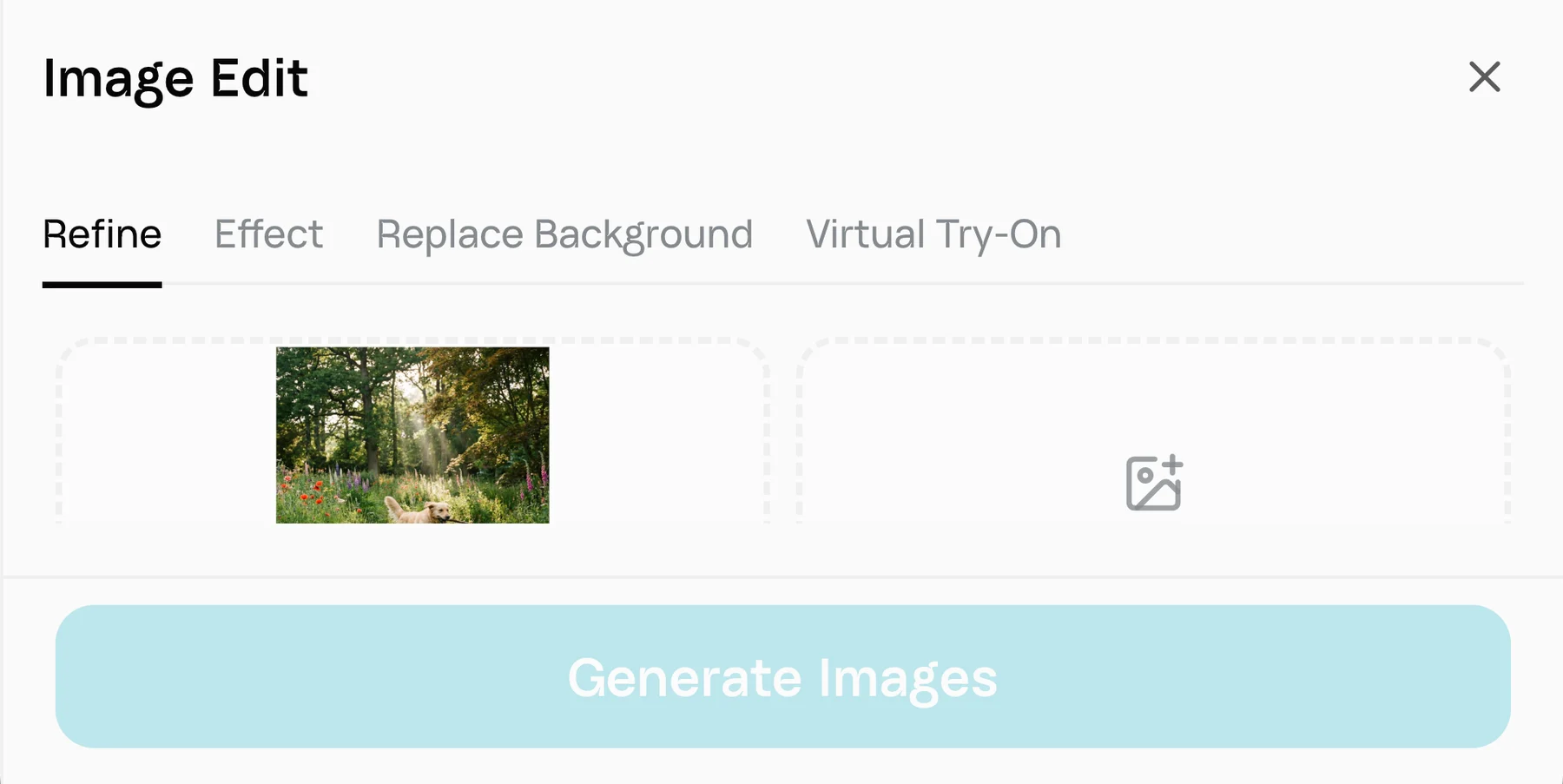
All of this happens in the same workspace , without exporting files or switching tools.
The key detail is that editing does not consume your attention. You stay focused on the outcome, not the process.
Bringing images to life with video
AI Canvas treats video as an extension of images , not a separate discipline.
- You can animate a single image into motion .
- You can interpolate between two images to create smooth transitions .
- You can use templates for structured video outputs .
- You control duration, orientation, quality, and audio .
- You preview results directly on the canvas . When it looks right, you export .
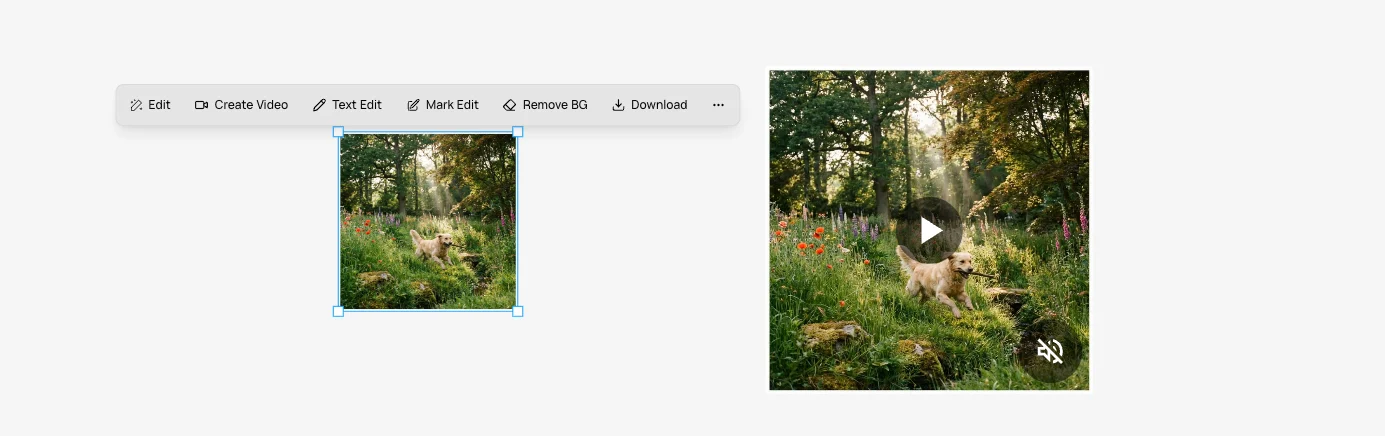
This makes video creation accessible without turning creators into video editors.
Carousels that stay organized
Carousels are not just multiple images. They are sequences.
AI Canvas lets you group related images into carousels so they behave as one unit.
You can preview them as a slideshow , apply edits across the group, and download them together .
This is especially useful for social content, client reviews , and storytelling workflows where coherence matters more than individual assets.

Exporting without friction
When you are done, exporting is straightforward.
Download a single asset or select multiple items and export them as a ZIP . File names are preserved. Formats stay intact.
You do not have to clean up your workspace just to ship your work.

How this fits into Runable
AI Canvas is not a standalone product . It is part of Runable’s broader approach to creation.
Runable focuses on turning intent into production-ready outcomes. AI Canvas is where visual outcomes are refined and finalized. Generated images, videos, websites, and other artifacts flow into the canvas when editing is needed.
Credits are used only when AI generates or transforms content. Editing, organizing, and exporting are free. This encourages iteration instead of discouraging it.
Starting at $9/month, AI Canvas replaces several tools that creators typically pay for separately.
Final thought
AI Canvas was built around a simple belief:
Creative tools should adapt to how humans work, not the other way around.
If you are tired of losing work in chat threads, restarting edits, or juggling five tools to ship one piece of content ,
AI Canvas is worth experiencing.
It is not just faster.
It is calmer.
And that matters more than it sounds.